DELETE MEASUREMENT DATA
There are 2 methods to delete the memory record.
(A) Delete one memory record
1. While you are viewing previous measurement data, select the
record you want to delete.
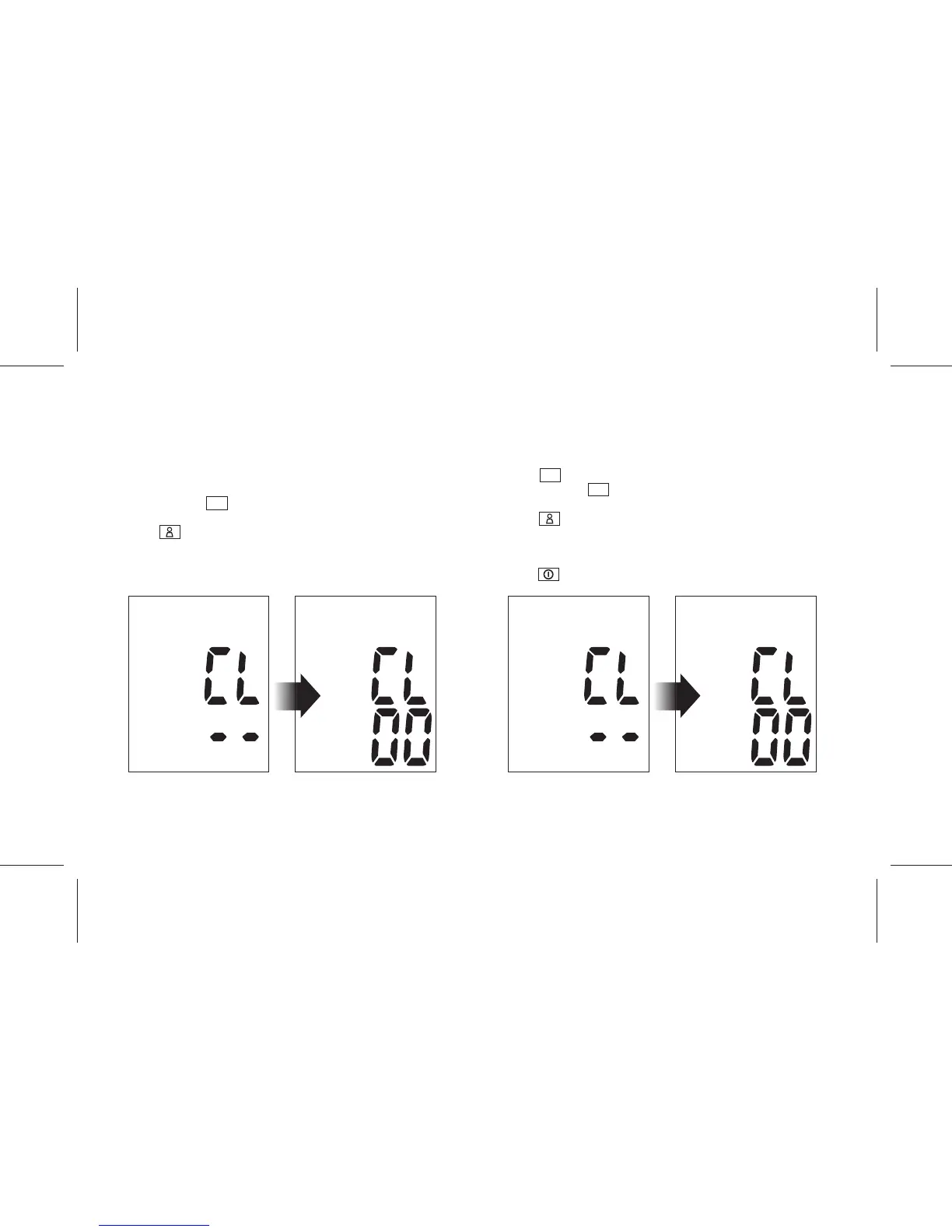
2. Press and hold M key for about 3 seconds until "CL" and "--"
appear on the display.
3. Press key to confirm. The display shows "CL" and "00" and
the selected record is deleted.
4. The display will automatically return to view the previous
measurement data.
(B) Delete all memory records
1. Press M key to view the average measurement data.
2. Press and hold M key for about 3 seconds until "CL" and "--"
appear on the display.
3. Press key to confirm. The display shows "CL" and "00" and
all memories are deleted.
4. The display will automatically return to view the average
measurement data with an empty record.
5. Press key to turn off the device.
- 13 -


 To Next Page