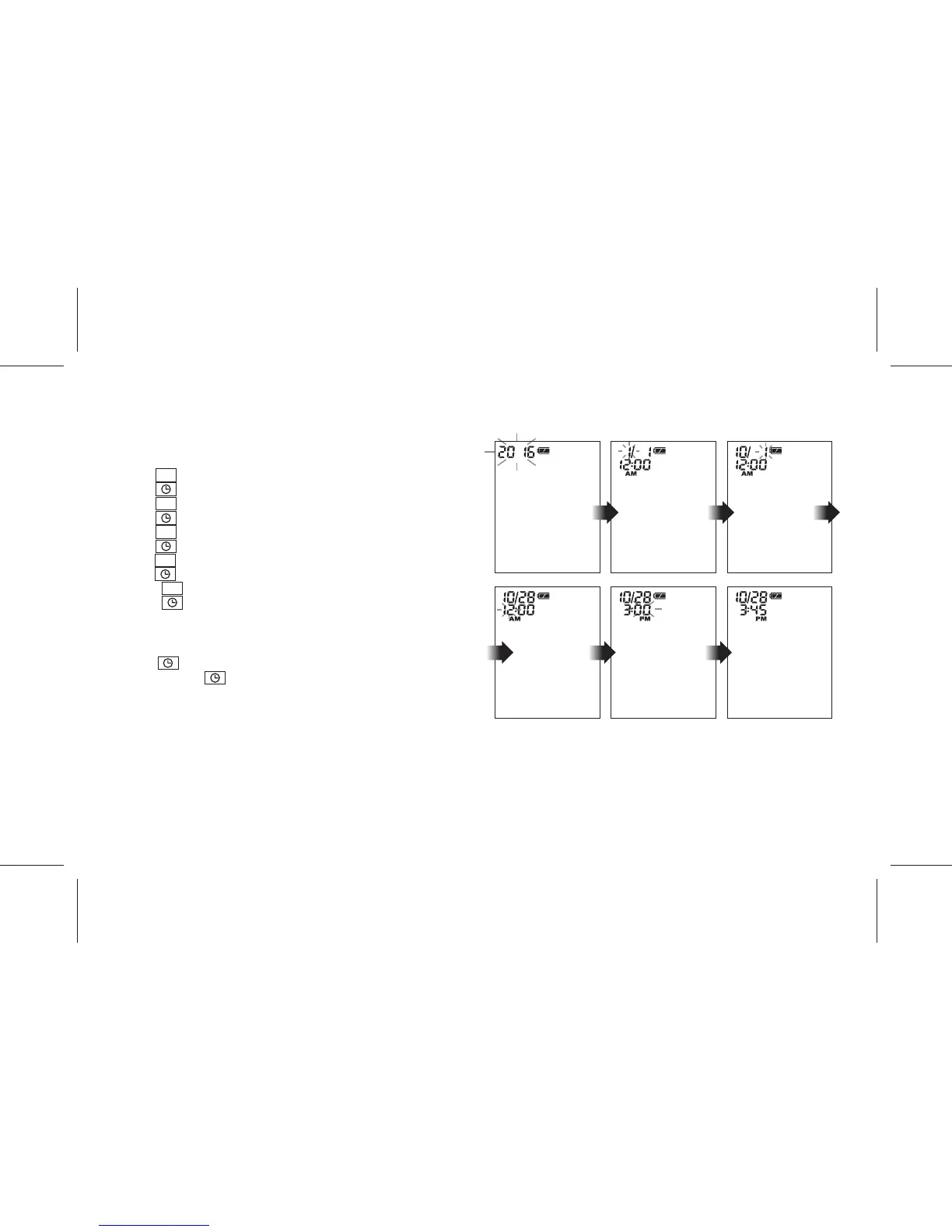
SETTING DATE AND TIME
(A) When new batteries are installed
1. “YEAR” will blink on the display.
2. Press M key to set the current Year.
3. Press key to confirm and then "MONTH" will start to blink.
4. Press M key to set the current Month.
5. Press key to confirm and then "DAY" will start to blink.
6. Press M key to set the current Day.
7. Press key to confirm and then "HOUR" will start to blink.
8. Press M key to set the current Hour.
9. Press key to confirm and then "MINUTE" will start to blink.
10. Press M key to set the current Minute.
11. Press key to confirm. Date and time setting is completed.
(B) When device is in OFF status
1. Press key to turn on the device in Clock display.
2. Press and hold key for about 3 seconds until “YEAR” blinks
on the display.
3. Follow the same procedure above to set the date and time.
- 8 -



 To Next Page