30
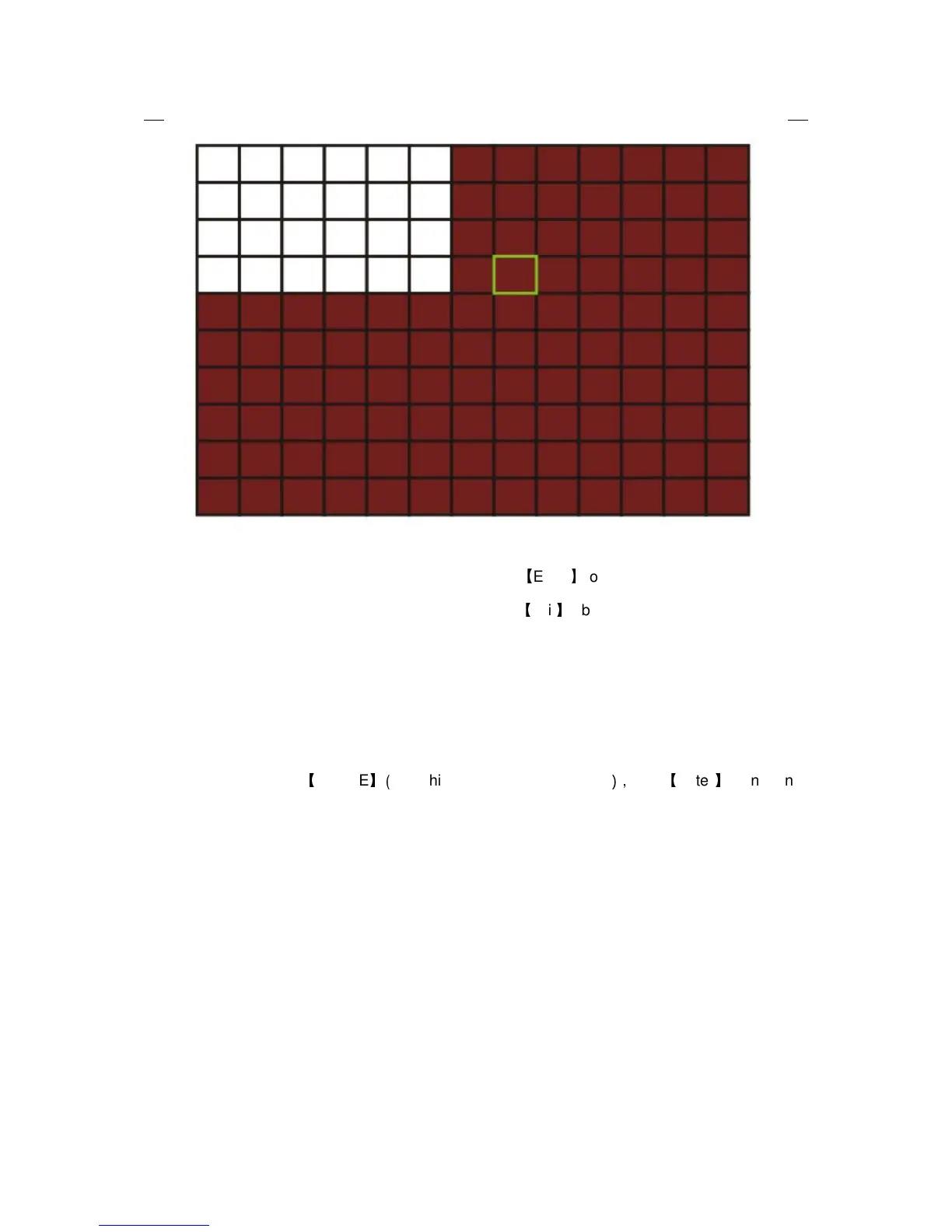
Move the direction key on romote control to make cursor move in the small pane, green
frame means the cursor has moved to this pane, press
【
Enter
】
to select or cancel motion
detection of this small pane, when setup finished, press
【
exit
】
to back to MD setup interface, it will
save automaticly.
Remark:
IR Operation: press [Menu] key to select or cance all the screen.
Mouse operation: click left and drag the frame to setup the region for motion detection.
2.2.2.5.4 MOBILE
Move the cursor to
【
MOBLE
】(
Icon highlighted when selected
),
press
【
Enter
】
to enter into
setting interface.


 To Next Page