WIRELESS BLUETOOTH BOOMBOX
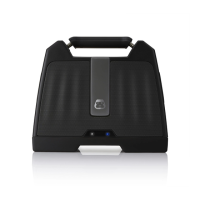
G-BOOMG-BOOM
LINE IN CONNECTION
You can also play audio from other Line In digital sources using the included 3.5mm
Line In Audio cable.
1 Press the Power Button to turn on G-BOOM.
2 Insert one end of the 3.5mm audio cable into the Line In jack on the back of
G-BOOM.
3 Insert the other end of the 3.5mm audio cable into the Line Out or headphone jack
of your external audio device (e.g. iPad, iPod shufe, mobile phone, MP3 player,
digital media player, etc.)
NOTE: For best audio performance and minimal distortion, avoid turning the volume on your
audio source all the way up.
USB CHARGING PORT
This unit includes a USB port placed on the rear. The USB port supports powering
and charging most devices including iPhones, iPads, iPods, E-readers, digital
cameras and more. (USB cable sold separately).


 To Next Page