
 Need help?
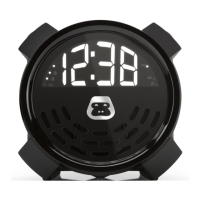
Do you have a question about the G-project G-BUZZ and is the answer not in the manual?
Connects the unit to mains power via an AC adapter.
Step-by-step guide to setting the initial time on the G-BUZZ.
Instructions for configuring alarm times, sources, and volumes.
General warnings regarding electric shock and product safety.
Information regarding radio frequency energy, interference, and compliance.
Warning against exposing the unit to rain or moisture.
 General
| Brand | G-project |
|---|---|
| Model | G-BUZZ |
| Category | Alarm Clock |
| Language | English |

 To Next Page