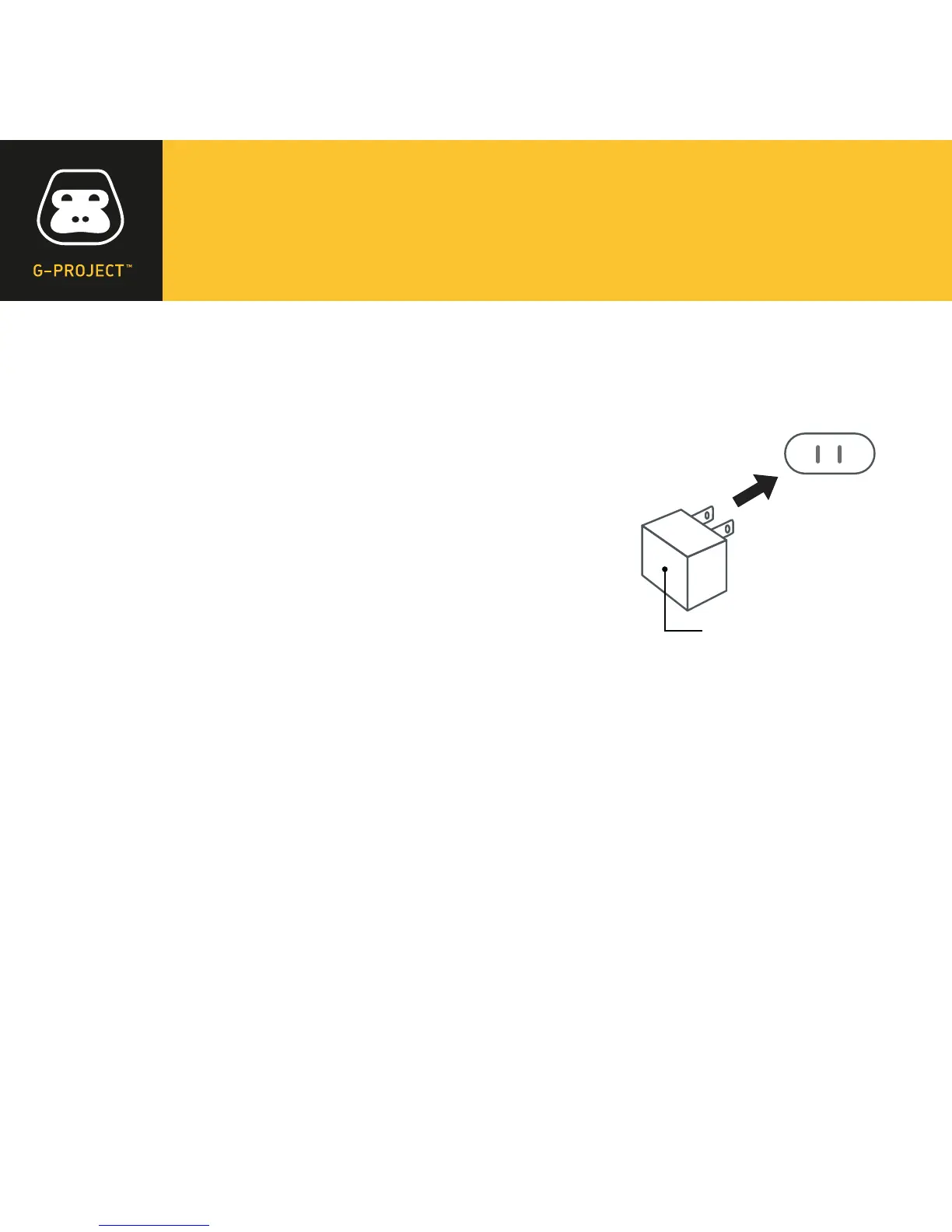
AC POWER SOURCE
Connect the supplied AC adaptor (DC 5V 1.8A)
to the DC In jack on the back of G-BUZZ and
plug the other end into a standard wall outlet
(100~240V 50-60Hz).
NOTES: Disconnect both ends of the power cord
when not in use. Use only the supplied AC adaptor
with the following specs: AC In - 100-240V AC, 50/
60Hz / DC Out - 5V 1.8A.
INSTALLING THE BATTERIES
G-BUZZ can also be powered by four “AAA” batteries.
• Open the battery door on the back of your G-BUZZ.
• Insert four “AAA” batteries into the battery compartment,
being careful to observe proper polarity.
• Replace the battery door and snap closed.
AC outlet
AC adapter’s plug


 To Next Page