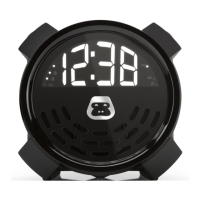
PORTABLE ALARM CLOCK
G-BUZZG-BUZZ
AUX-IN CONNECTION
1 Insert one end of a 3.5mm audio cable (not included) into the LINE OUT jack
on your external audio source (e.g. iPad, iPod, mobile phone, MP3 player,
digital media player, etc.), then insert the other end into the LINE IN jack on
rear of G-BUZZ.
2 Power on G-BUZZ, then power on the external audio source. The display will
show “AUX” briefly then change to the current clock time.
3 Select the music you want to listen to and press play on the external audio
source. Playback will begin and sound will be heard through G-BUZZ.
ADJUSTING THE BRIGHTNESS
There are three levels of display brightness available
(the default setting is High).
1 To change the brightness setting, make sure G-BUZZ is powered off.
2 Press the + or – button repeatedly to cycle though and select the
desired brightness level.


 To Next Page