Getting Started
p. 26
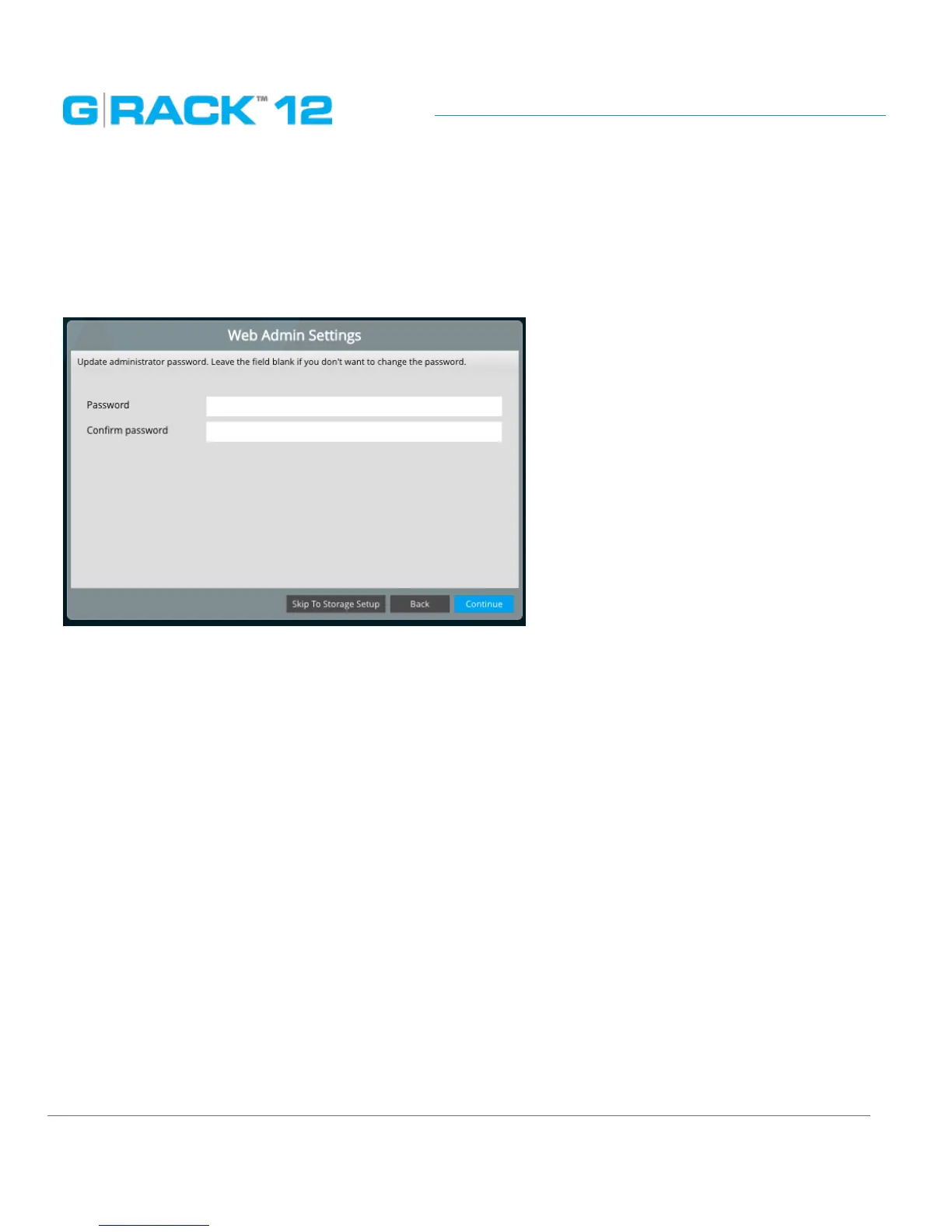
STEP 4. Web Admin Password.
Set your G-RACK 12 Admin password here. Login user name will remain “admin”.
Please note that password is case sensitive. Min length is 5 characters.
If you don’t change the password at this step, it will remain as default. You can reset it later using
Web Administrator Password


 To Next Page