Administrative Tool
p. 58
Balance
While the RAID is being balanced, its status in the field State will be “balancing”. Balance operation
may take a significant amount of time. Balancing may have impact on the RAID performance but
does not block any regular operations.
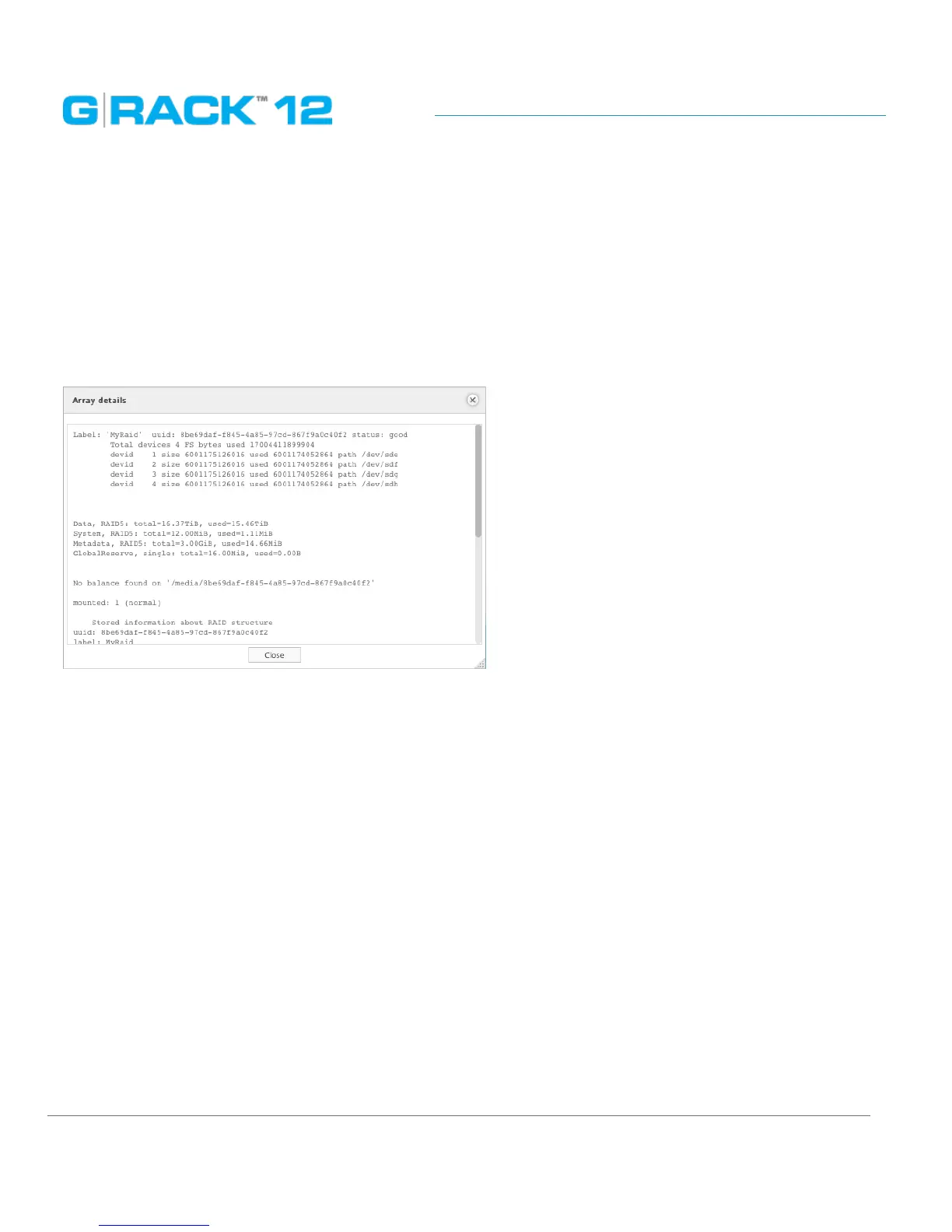
Array details
The menu will call the array information window
Mount
Click the Mount button to mount the RAID device.
A newly created RAID will be mounted automatically
Unmount
To unmount the selected RAID click the Unmount button.
To make this option active, all volumes of the RAID are to be deleted. Otherwise the status of the
RAID will be displayed as “referenced” and Unmount option will stay inactive.
Delete
Click the Delete button to delete a RAID
The button will become active only when unmounted RAID is selected.
Refresh
Click the Refresh button to force the system to search for new RAIDs or display the latest changes.


 To Next Page
 Loading...