Administrative Tool
p. 67
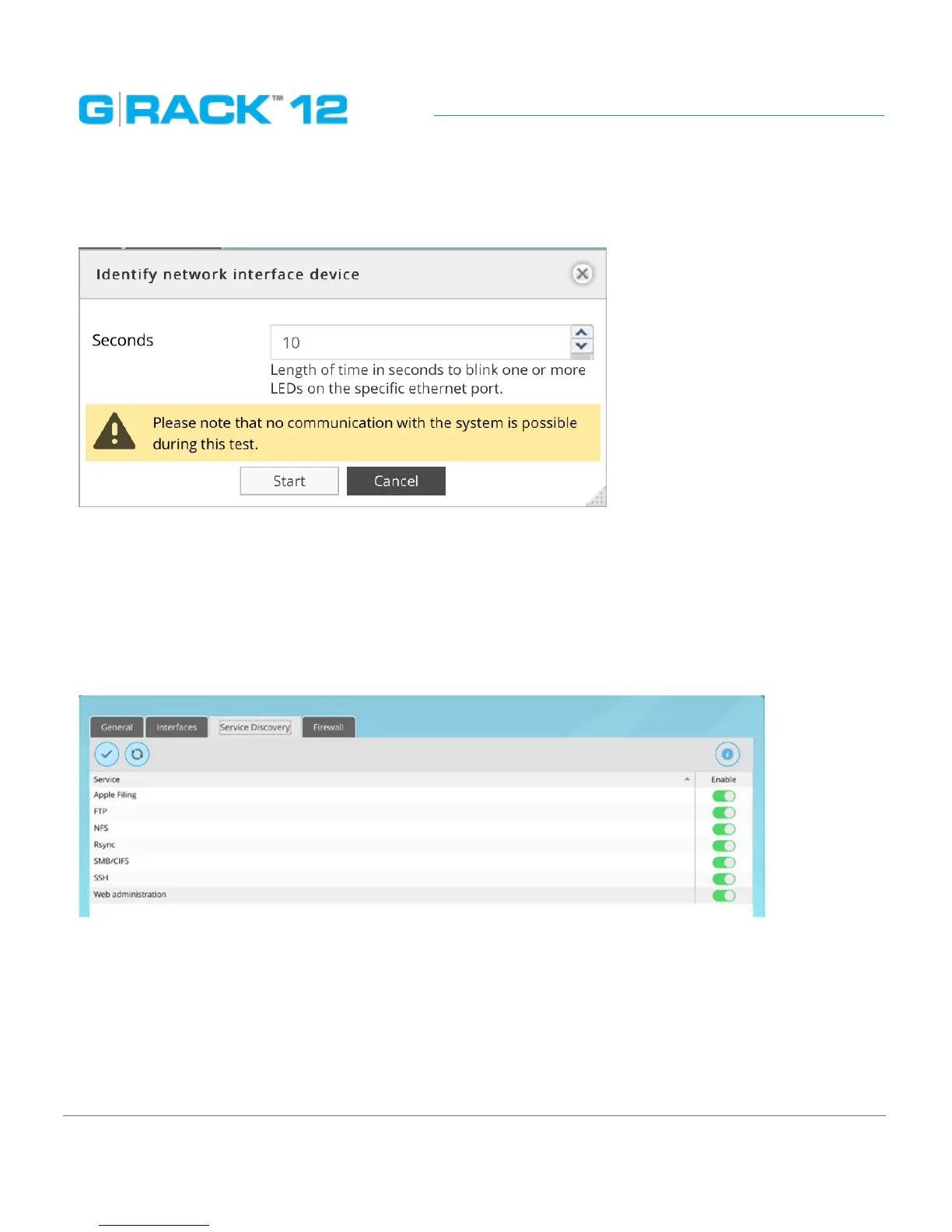
Identify
This menu is used to find Ethernet port corresponding to the particular Interface.
Delete
To delete an interface, hightlight it and click the Delete button.
Service Discovery
The service allows the tool that probes each TCP/UDP port to see if there is a service listening. Then
the tool will know that the service is available to connect to the G-RACK 12. If the advertising of
service of each port is turned on, the port can be scanned .
NOTE:
Enabling a service discovery for a particular service does not enable the service itself. To enable the
service, refer to the corresponding setting menu under Connect menu.


 To Next Page