p.18
Using RAID Modes
G-Technology Assistant Utility
The G-Technology Assistant (GTA) utility was created to enhance the user experience of
G-Technology storage solutions such as G-RAID with Thunderbolt. The utility has two
functions: 1) to provide notications of the G-RAID with Thunderbolt status and the
current drive conguration, and 2) to quickly launch the G-RAID with Thunderbolt RAID
Conguration Utility.
The GTA is available for download from
www.g-technology.com/support. Note that the
utility has an auto-update feature for your convenience.
Recommended Installation
When you rst set up G-RAID with Thunderbolt, you will want to install the GTA on
your computer. The utility provides useful notications and shortcuts to enhance your
experience with G-RAID with Thunderbolt.
To install the G-Technology Assistant utility, follow the on-screen instructions. Once you
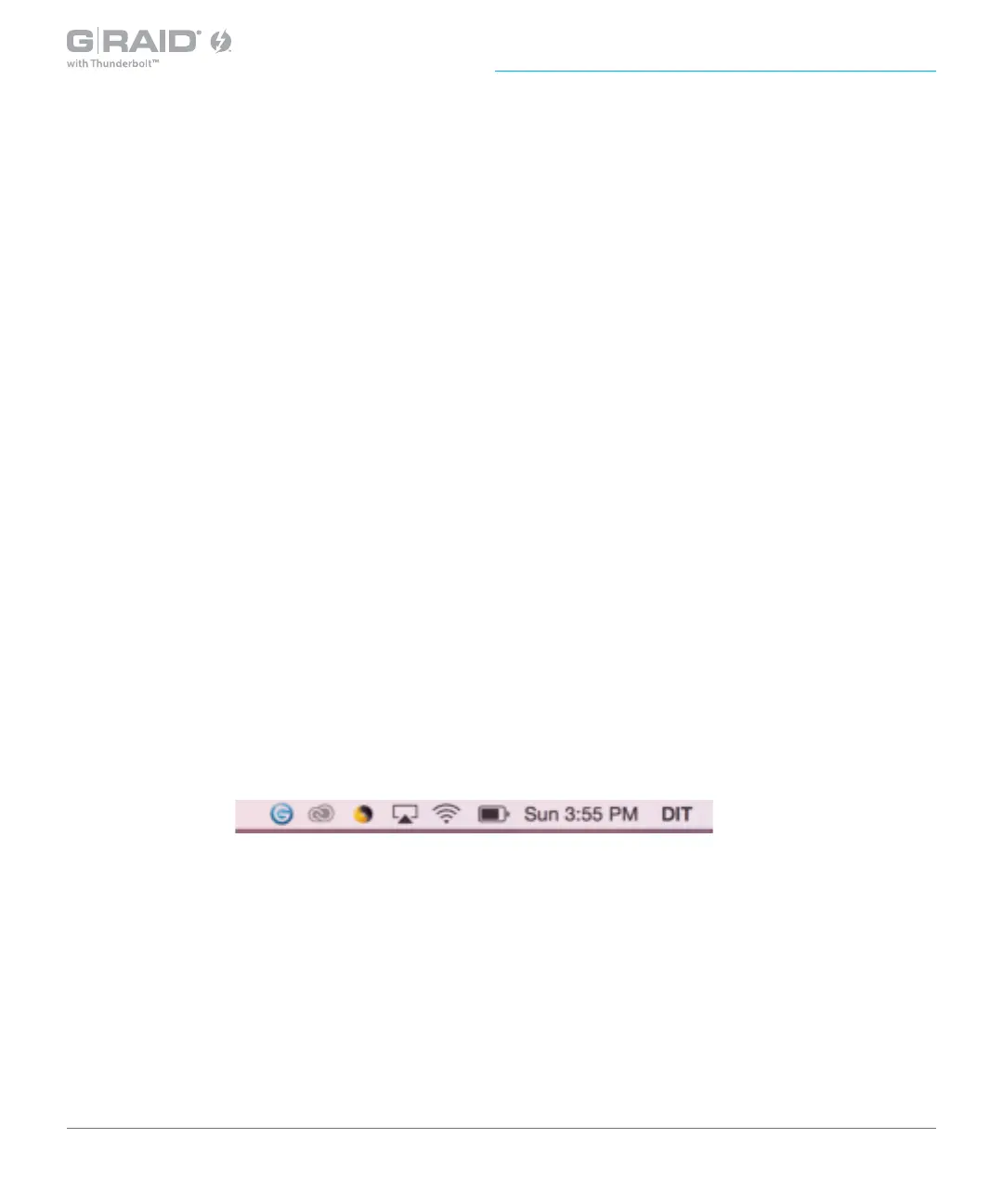
have successfully completed the installation, the utility will be accessible from the Mac
OS menu bar and/or from the Applications folder.
The following is a quick summary of the utility and its functionality. If you have
questions, please visit
www.g-technology.com/support.














 To Next Page