p.23
Using RAID Modes
NOTE: If the Disk Insertion dialog does not appear, go to Application > Utilities and
open the Disk Utility program. Once Disk Utility is open, you are ready to initialize and
partition G-RAID with Thunderbolt for use with Mac OS.
RAID 1 Degraded Mode and Rebuild for Mac
If your G-RAID with Thunderbolt is in RAID 1 conguration and either a single drive
failure occurs or if a member of the RAID 1 set is removed, then the active drive will
operate in degraded mode.
What is Degraded Mode? In a two-drive RAID 1, if one of the drives fails or if one of
the drives is removed then the active drive keeps the user data intact but without any
fail-safe mechanism until the RAID is rebuilt. This state of operation is called degraded
mode.
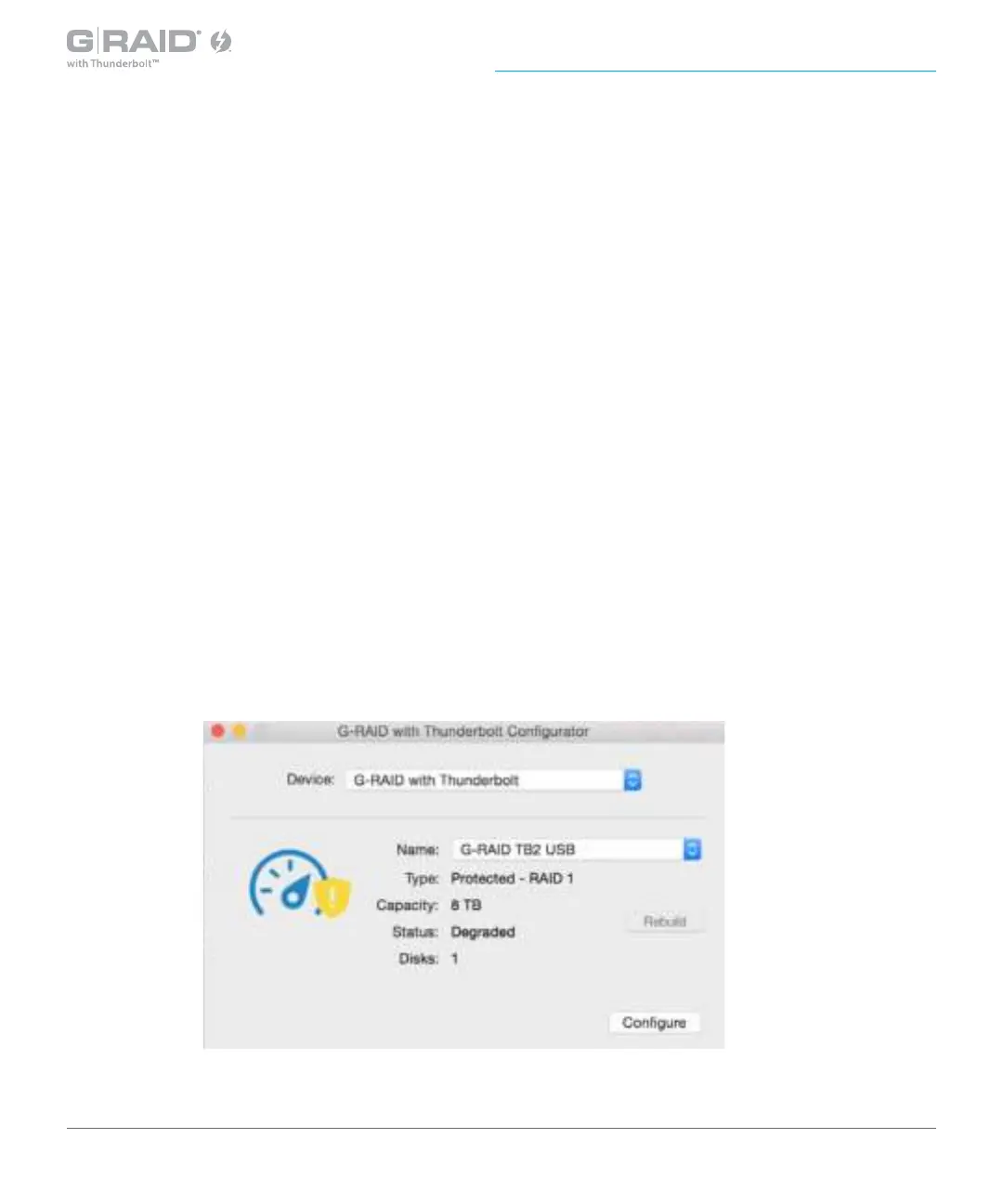
1. If the G-RAID with Thunderbolt is operating in degraded mode, launch the G-RAID
Conguration Utility. The RAID status will show as degraded in the information
window as shown in the image below.














 To Next Page