p.27
Using RAID Modes
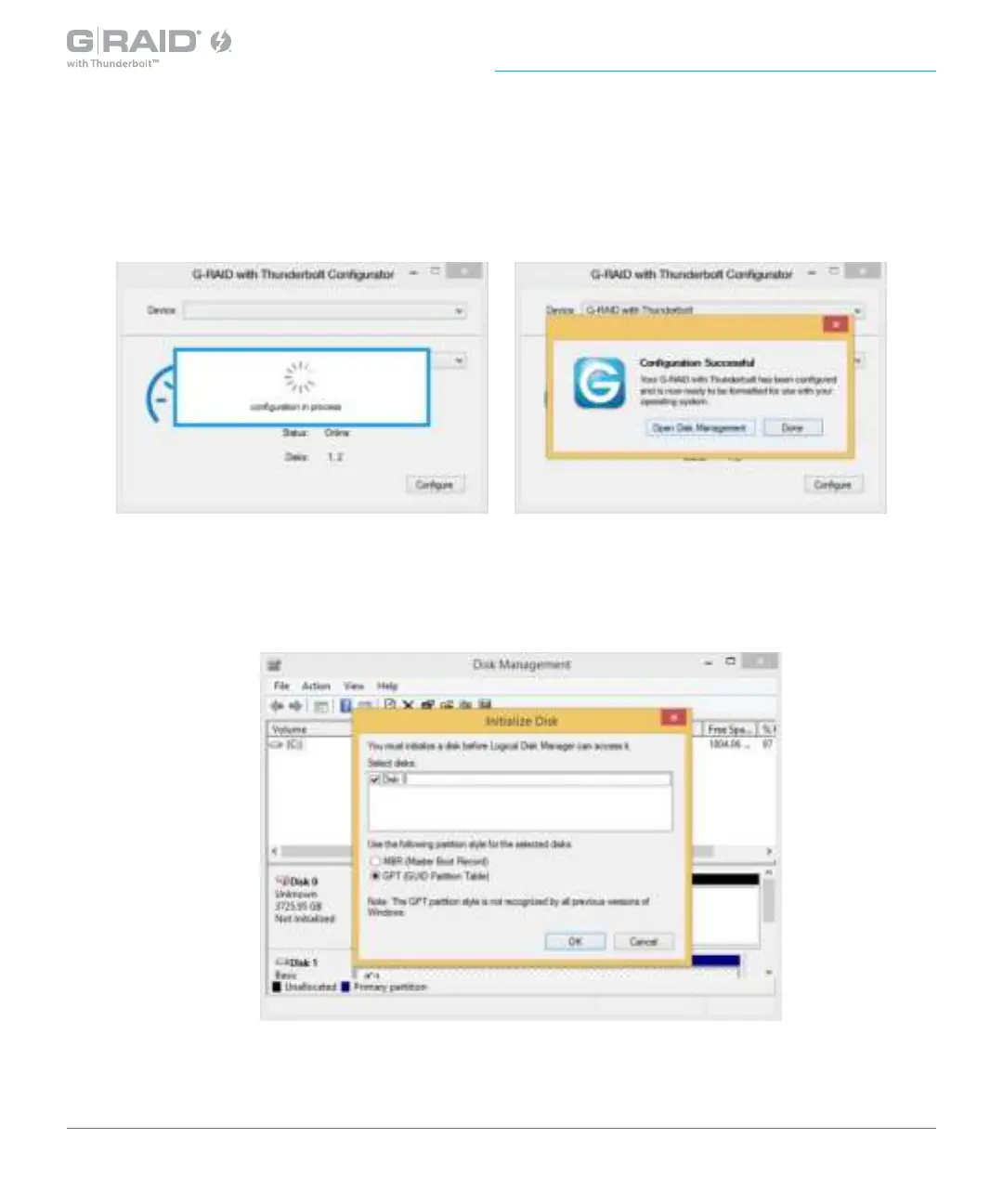
4. A new window will appear to inform you that the conguration is in progress. The
next window will conrm that your G-RAID with Thunderbolt is congured in RAID 0,
RAID 1, or JBOD mode.
5. Changing the RAID mode of G-RAID will require you to re-initialize the disk. For
helpful information on initialization of your drive with Windows using the Disk
Management, please visit
www.g-technology.com/windows.














 To Next Page