p.35
Maintenance for Your Drive
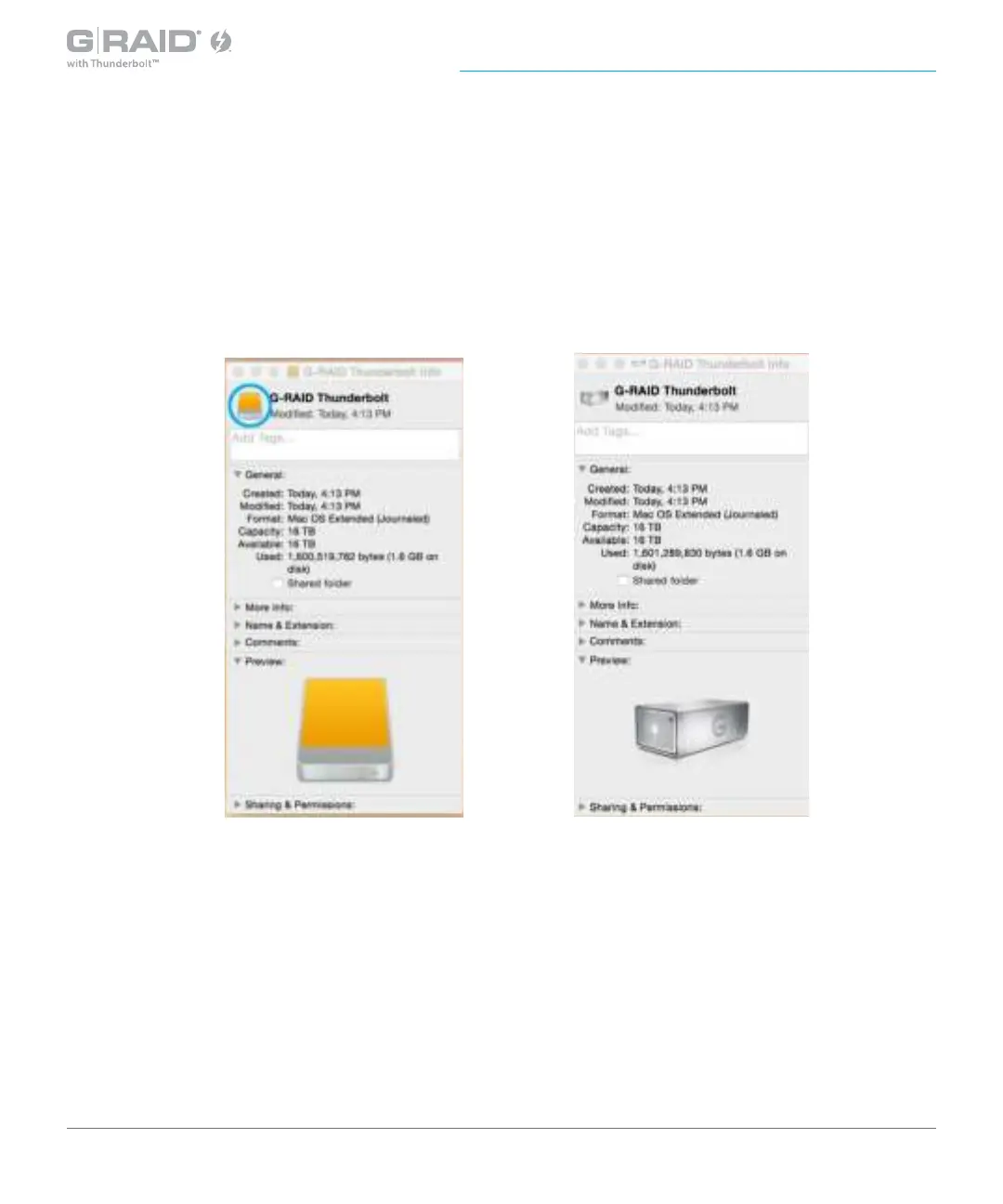
4. Select the default G-RAID with Thunderbolt drive icon on your desktop and press
Command+I. This opens the Get Info window (below left).
5. Select the default icon in the Get Info window (below left).
6. Press Command+V to paste the custom G-RAID with Thunderbolt icon into the Get Info window
(below right).
The icon for your G-RAID with Thunderbolt has been restored and you can close the Get
Info window. Your drive is now ready for use!














 To Next Page