p.45
Using Your Drive on Windows
®
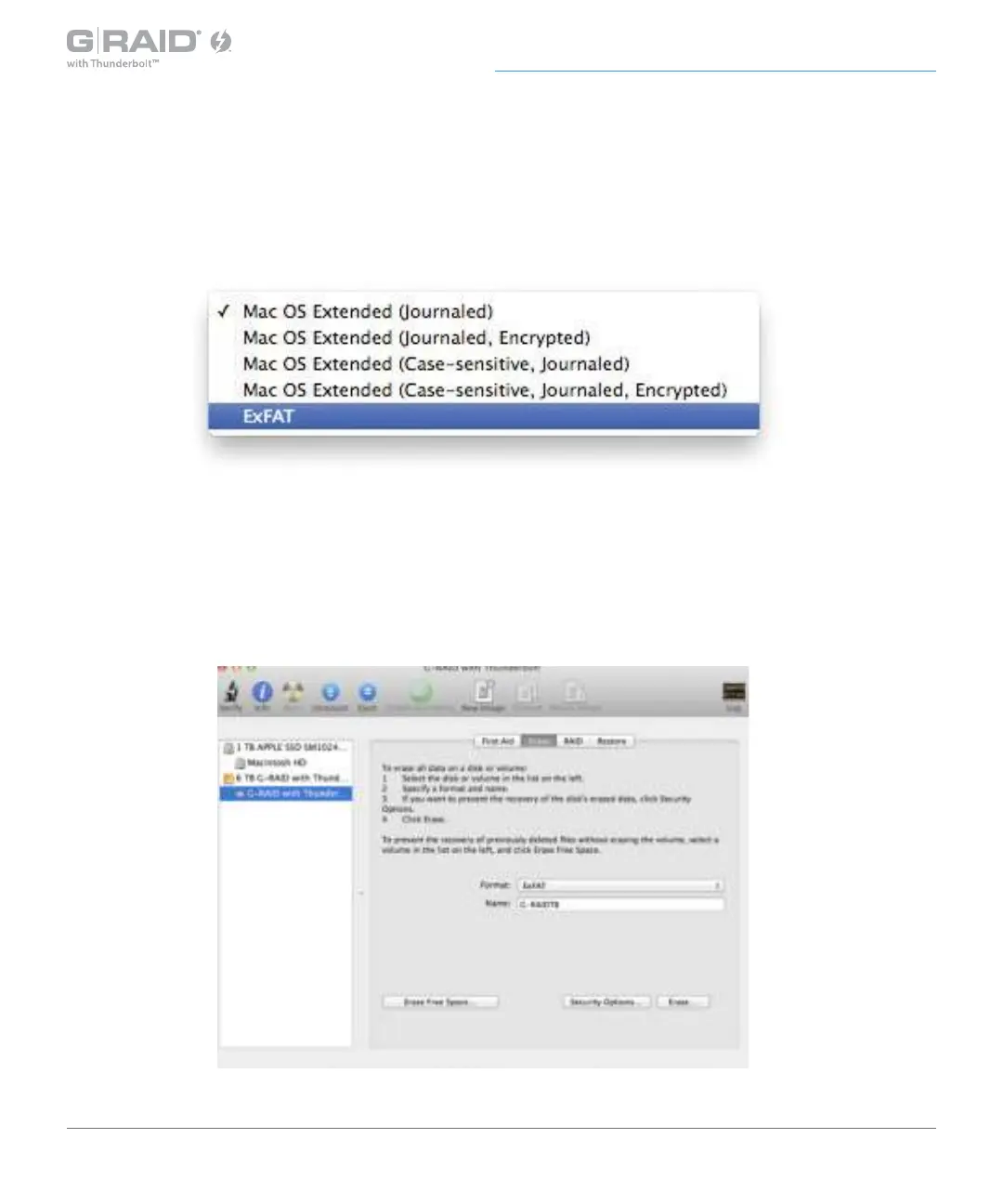
4. Select ExFAT File System from the Format pop-up menu. This will format to ExFAT.
NOTE: You may need to rename the drive because ExFAT does not support more than 11 letters
in the drive name.
WARNING: THIS NEXT STEP WILL ERASE ALL DATA ON YOUR DRIVE.
5. Click the Erase button in the lower right corner of the window. A dialog box will appear
asking if you want to erase the G-RAID with Thunderbolt partition.














 To Next Page