p.17
Maintenance for Your Drive
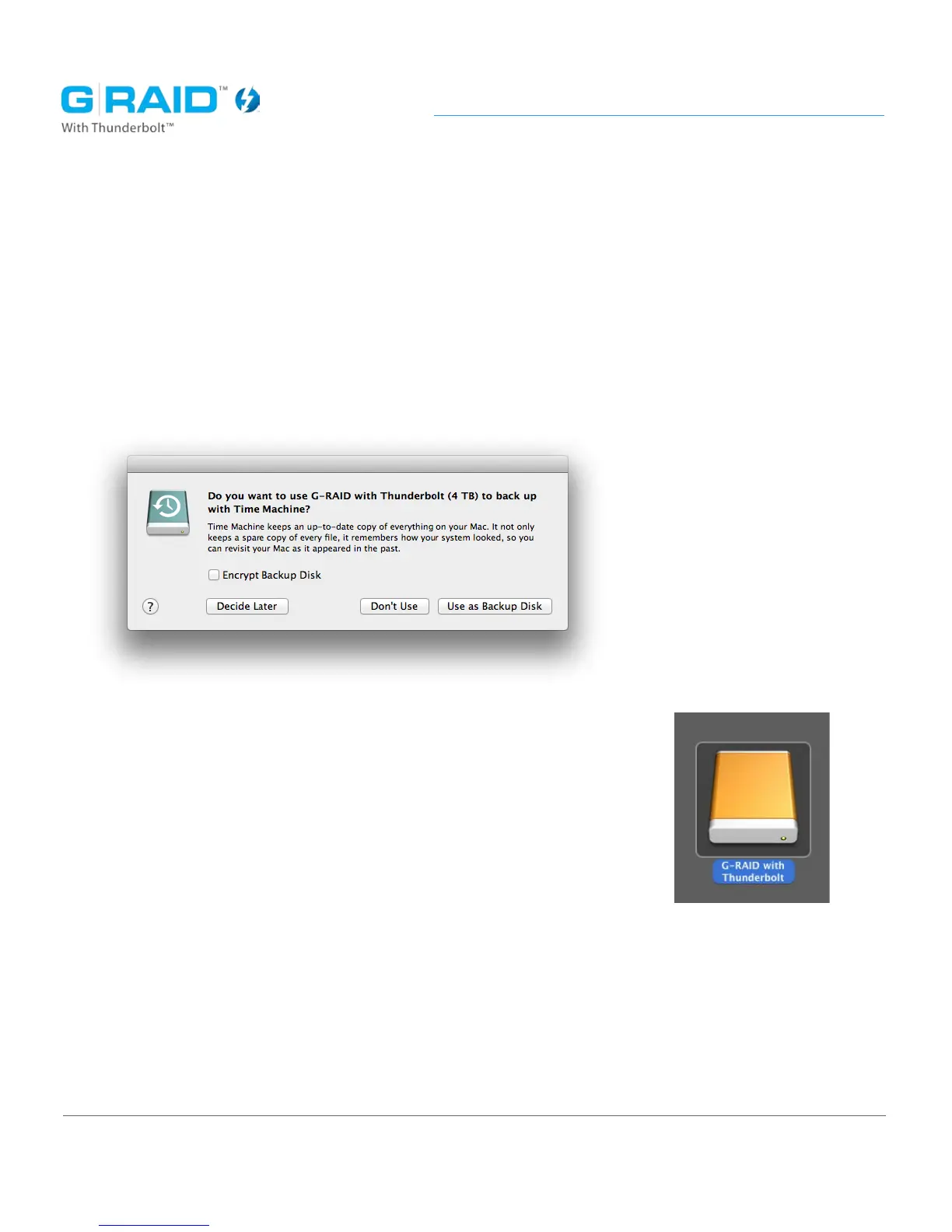
11. After the drive is reinitialized, you should automatically see the Time Machine
dialog box.
• Click the ‘Use as Backup Disk’ button if you want to use
the drive with Time Machine.
• Click the ‘Don’t Use’ or ‘Decide Later’ button if you do not
want to use Time Machine at this point.
12. Quit the Disk Utility program. After creating a new RAID set,
the custom icon for G-RAID TB has been erased. You can
optionally restore this icon with the steps on the next page.














 To Next Page