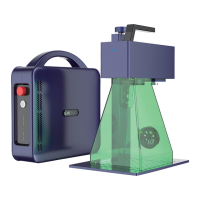
PORTABLE BUT INDUSTRIAL LASER MARKING MACHINE
16
V.Vector Graphics Processing Settings
Vector Graph Parameter Adjustment
2
Select the Picture.
Center the vector graphics on the canvas(If the image is outside the canvas, select
the image and click in the center of the canvas to find the image)
After setting the graphic size, click apply.
Fill in the settings and click OK after completing the settings.
Set processing parameters: speed, power, frequency.
Fill in the completed reference image (delete if no filling is required)
3
2
4
1
5


 To Next Page