Turn on the voice recorder,Press the Menu button,
switch to music folder ( if you are at recordings folder)
,Press PLAY to playback music under the music mode .
Connect it to computer with enclosed cable, it will
charge, and the screen display like below picture: the
upper right corner battery icon will be flashing/moving,
that means it is in charging.
if it shows “no songs” that mean there is no songs file
in the recorder, or the song file format
are not supported.
Aftersale service: Gshop.Krista@gmail.com 13
How to Playback Music
How to Charge Voice Recorder
Notice:
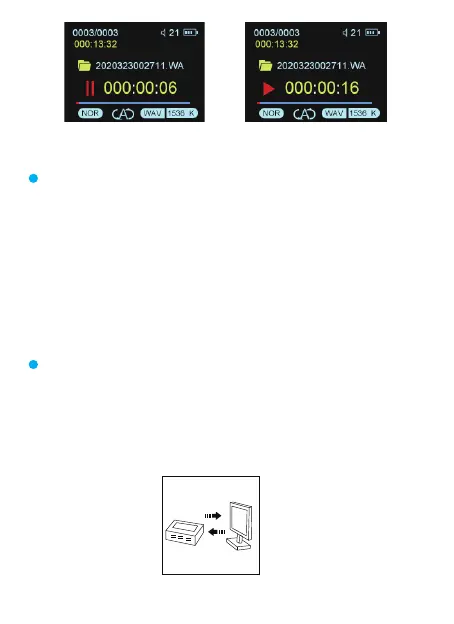
Recording interface Pause interface



 To Next Page