5) Set Date: go to Menu (M) -> Up/Down button to select System setting
-> Up/Down button to select Date and time -> select Date -> with Up/Down
and VOL+ buttons change date, and press PLAY button to confirm.
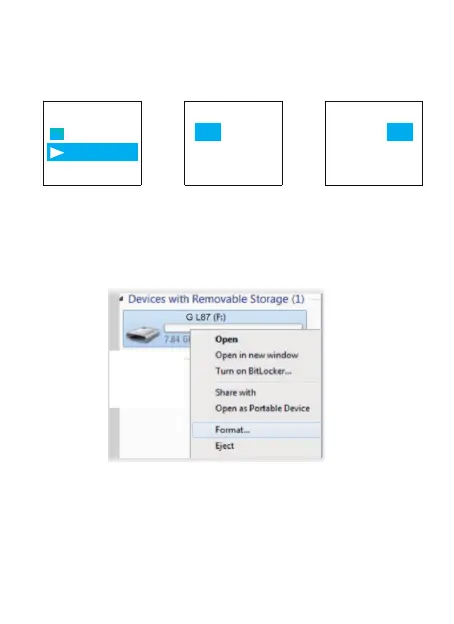
6) Format L87 Drive on Computer Directly ->When successfully
connected to computer, click the mouse right button, and format it, like
below picture shows:
Restores to factory default. Very helpful if confusion arises when creating
settings.
Here is the steps to restore to factory settings
Press Play (turn on device) -> hit MENU Button -> use Up/Down to System
Settings -> hit MENU
7) Restore to Factory Settings
Aftersale service: Gshop.Krista@gmail.com 17
Date and time Set date
Set time 18 05 30
YY
MM DD
18 05 30
YY
MM DD
Set date
Set date
Set Date
4) Select Set Date, Press M 5) Press UP / DOWN to adjust Year,
Press VOL+/VOL- move to next
mobth & day
6) After setting, Press M(menu) to
confirm



 To Next Page