1) Change Record Format/Quality: go to Menu (M) -> Up/Down button to
select Record Setting -> Recording quality -> (1536kpbs WAV format,
128kpbs / 64kpbs MP3 format) .
2) Voice Activated Mode (AVR mode): go to Menu (M) -> select Record
Setting -> Up/Down button to Voice-activated mode-> M button to select
AVR mode -> select ON.
3) Voice Activated Level: go to Menu (M) -> Up/Down button to select
Record Setting -> select Voice activated sensitivity -> select from levels 1
to7.
4) Set Time: go to Menu (M) -> Up/Down button to select System setting
-> Up/Down button to select Date and time -> select Set time -> use
Up/Down and VOL+ buttons to change time. Press PLAY button to
confirm.
CHAPTER THREE
Quick Menu Option Guide
Aftersale service: Gshop.Krista@gmail.com 16
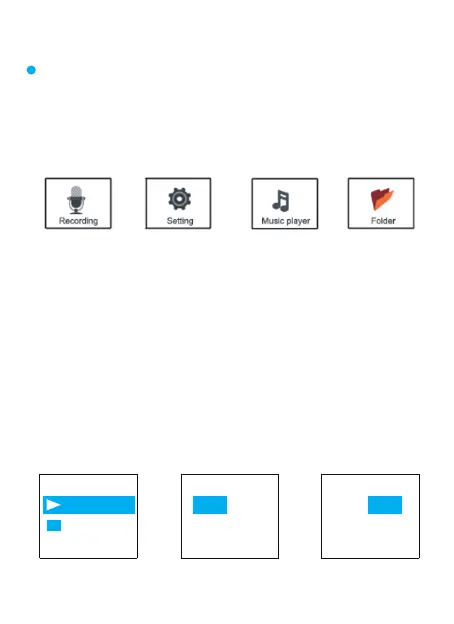
Using UP/Down Button To select and confirm,
press Menu (M) button.
Main Function Module
Date and time Set time
Set time 16 42
HH MM
Set time
17 42
HH MM
Set date
Set Time
1) Select Set time, Press M 2) Press UP / DOWN to adjust hoer,
Press VOL+/VOL-move to next
3) Press UP / DOWN to adjust Minutes,
After setting Press M(menu) to confim



 To Next Page