C. Format the recorder on the device directly.
D. Delete single file on the device by enter delete mode.
E. Delete all recordings on the device by enter delete
mode .
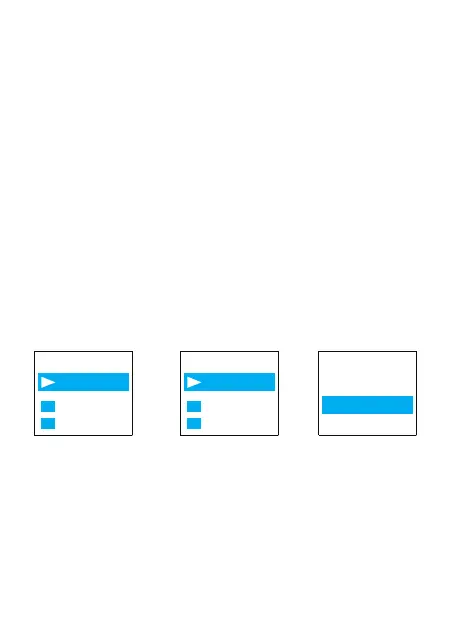
Press M(menu) button -> Delete File -> you can choose
Delete Single or Delete All,Select Yes, press PLAY
Button to confirm your selection, it will delete the
recordings as your selection.
Now we introduce how to delete recordings on the
device by enter delete mode. In pictures ,we introduced
how to Delete single recordings, and how to delete
all recordings.
Note: We could press UP/DOWN to select recordings
firstly, and then press PLAY button to select delete file.
Aftersale service: Gshop.Krista@gmail.com 15
Warning: The "Delete All" operation is permanent
deletion, the file will not be recovered, please be
careful if you want to delete the file.
※
Menu Options
Delete file
Play setting
Folder View
Delete file
Delete
Play setting
Delete All
“202203101...
No
Yes



 To Next Page