8
3. - OPERATING INSTRUCTIONS
CAUTION: DO NOT USE THIS HEATER TO DRY CLOTHES. Do not cover this heater at any time.
CONNECTION / DISCONNECTION
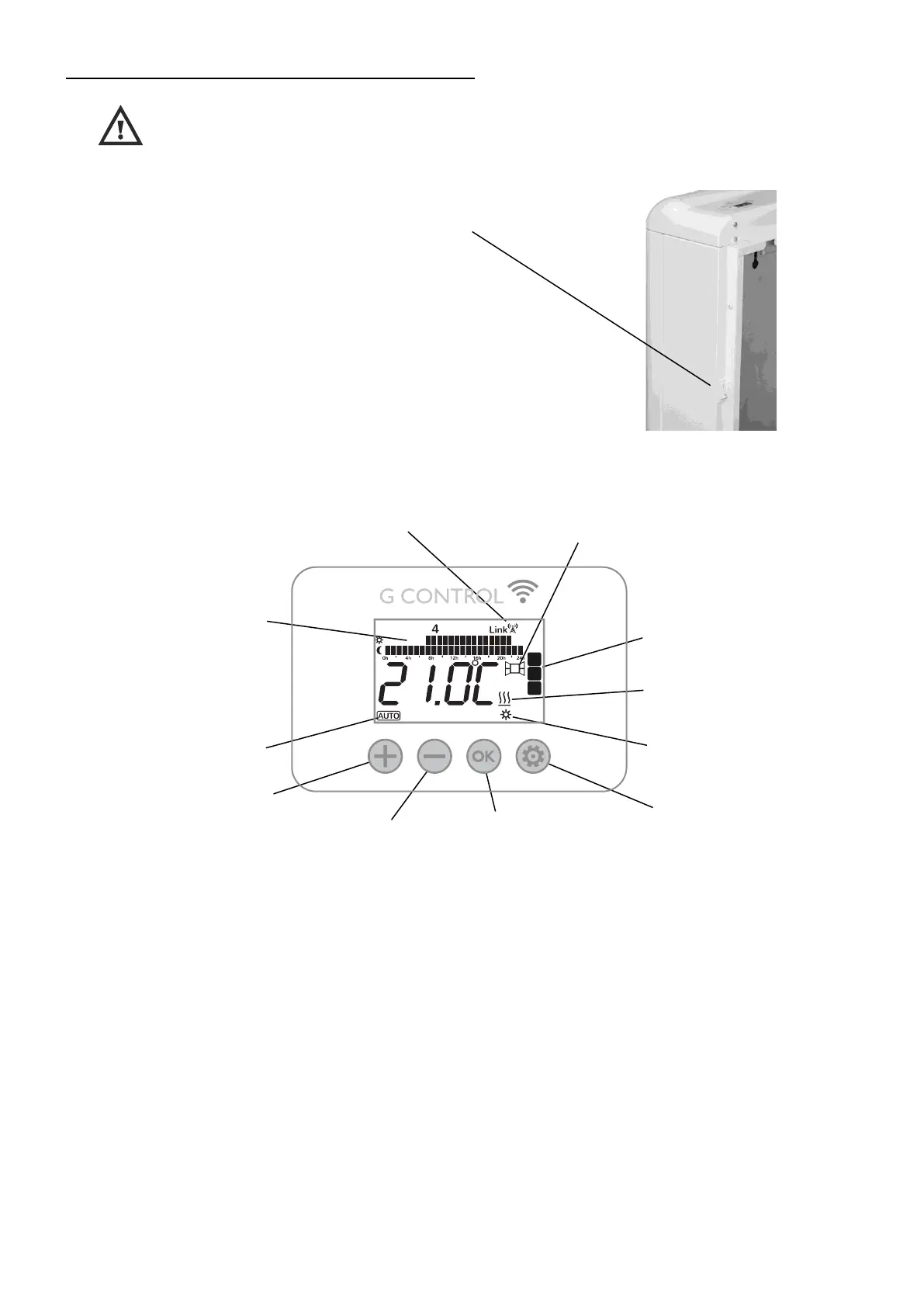
Power switch.All models are equipped with a switch on the back
side panel. It is used to connect and disconnect ECOMBI SSH.
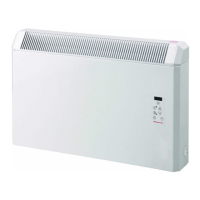
KEYBOARD:
ON/OFF
Once the heater is connected to a main supply you can turn the heater ON by switching the main ON/OFF switch positioned at
the rear right side of the heater as shown above.
BACKLIGHT
Pressing any button, the display will illuminate with a soft white colour. After certain time if no buttons are pressed the display
backlight will turn off.
Button “+”
Press the key to increase
different values.
Button “-”
Press the key to decrease
different values.
“Config / Prog” Button
Press the button to programme
and configure the SSH storage
heater in AUTO Mode.
“OK” Button
Press the button to select
operation mode: Auto, Manual,
Off, and to set the value of the
different parameters.
G-Control Hub
connection indicator.
Daily Programming:
Temperature level for each
time interval (1h) of the day.
Current set point
temperature in AUTO
mode.
Open Windows Detection
indicator.


 To Next Page