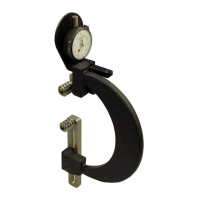
B
B
X
X
/
/
B
B
X
X
G
G
-
-
1
1
0
0
0
0
0
0
S
S
e
e
r
r
i
i
e
e
s
s
G
G
r
r
o
o
o
o
v
v
e
e
M
M
e
e
a
a
s
s
u
u
r
r
e
e
m
m
e
e
n
n
t
t
G
G
a
a
g
g
e
e
O
O
p
p
e
e
r
r
a
a
t
t
i
i
o
o
n
n
M
M
a
a
n
n
u
u
a
a
l
l
Zeroing the BXG-1000 Gage Using the MIC TRAC
Materials Needed:
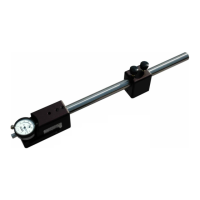
• BXG-1000 gage
• MIC TRAC Setting Dimensions Table
• MIC TRAC MT-3000
To ensure consistent and accurate readings, the BXG-1000 gage should be zeroed on the MIC
TRAC once during each shift, at a minimum.
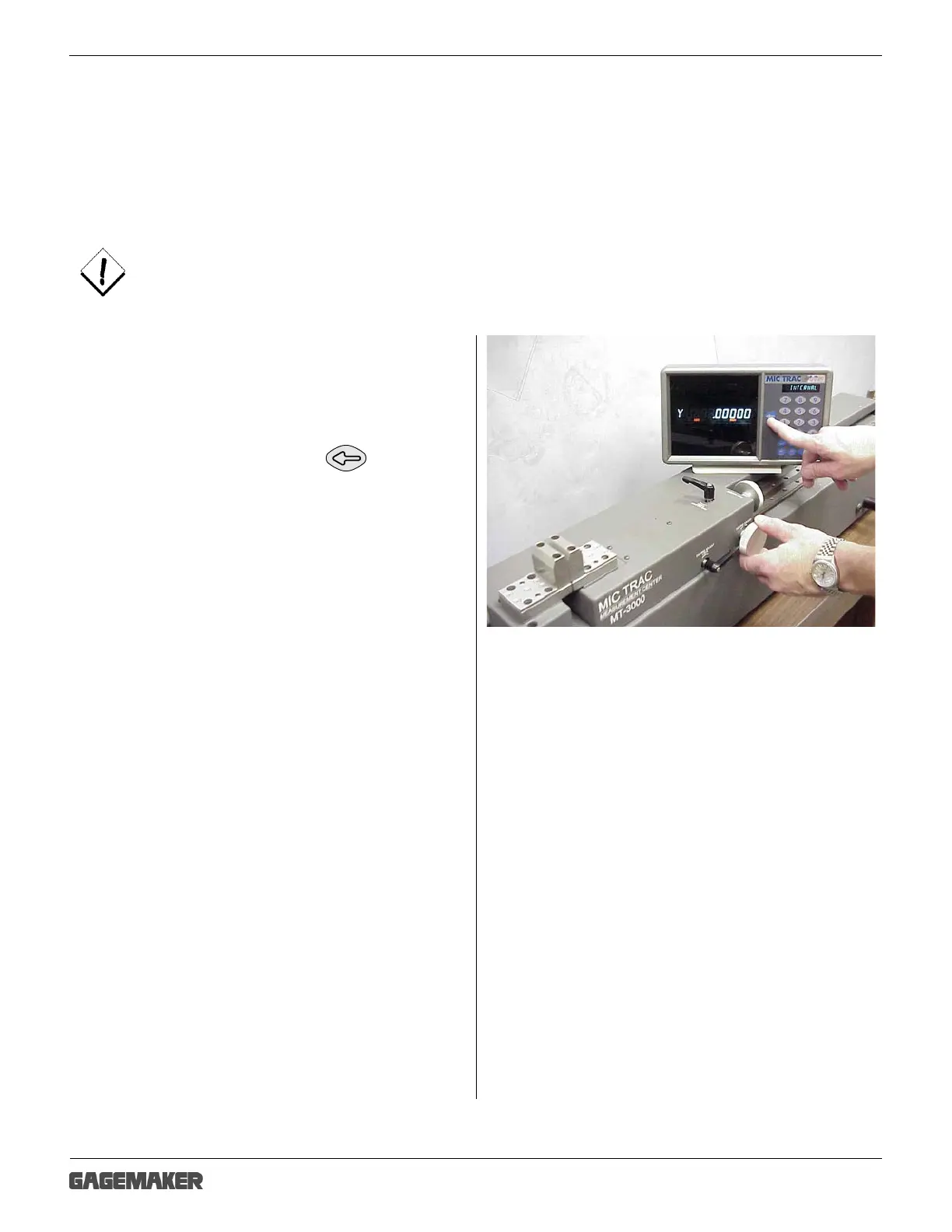
1. Mount the TF-BX setting blocks on the MIC
TRAC.
2. Apply slight pressure to hold the faces of the
anvils together. Press the key and
the display will read 0.00000.



 To Next Page