B
B
X
X
/
/
B
B
X
X
G
G
-
-
1
1
0
0
0
0
0
0
S
S
e
e
r
r
i
i
e
e
s
s
G
G
r
r
o
o
o
o
v
v
e
e
M
M
e
e
a
a
s
s
u
u
r
r
e
e
m
m
e
e
n
n
t
t
G
G
a
a
g
g
e
e
O
O
p
p
e
e
r
r
a
a
t
t
i
i
o
o
n
n
M
M
a
a
n
n
u
u
a
a
l
l
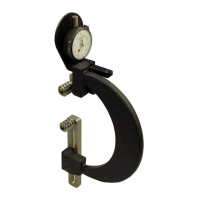
Zeroing the BX-1000 Gage Using the MIC TRAC
Materials Needed:
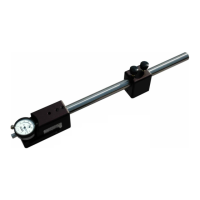
• BX-1000 gage
• MIC TRAC Setting Dimensions Table
• MIC TRAC MT-3000
To ensure consistent and accurate readings, the BX-1000 gage should be zeroed on the MIC
TRAC once during each shift, at a minimum.
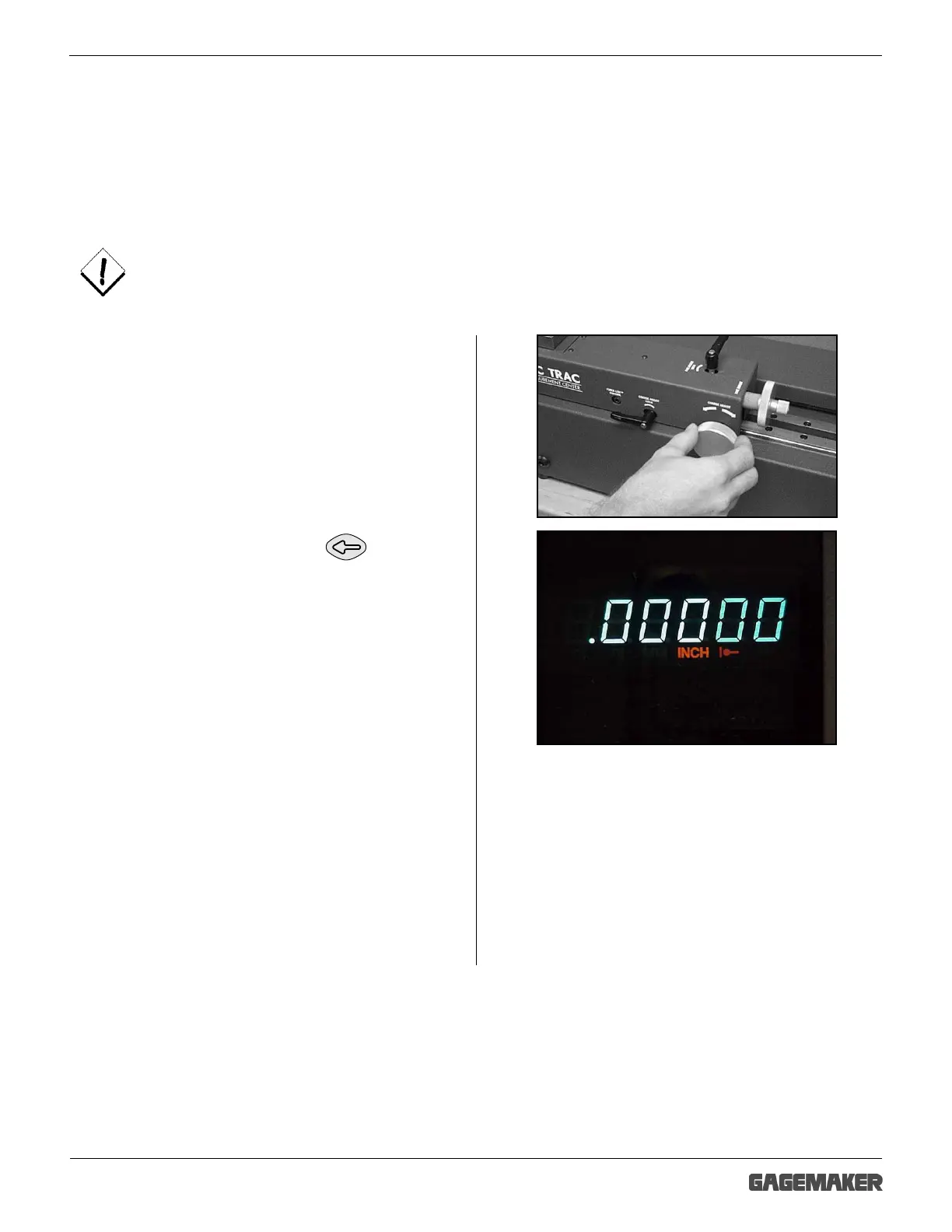
1. Mount the TF-BX setting blocks on the MIC
TRAC.
1. Turn the coarse adjust knob on the MIC TRAC
counterclockwise to bring the setting blocks
together.
2. Apply slight pressure to hold the faces of the
anvils together. Press the key and
the display will read 0.00000.



 To Next Page