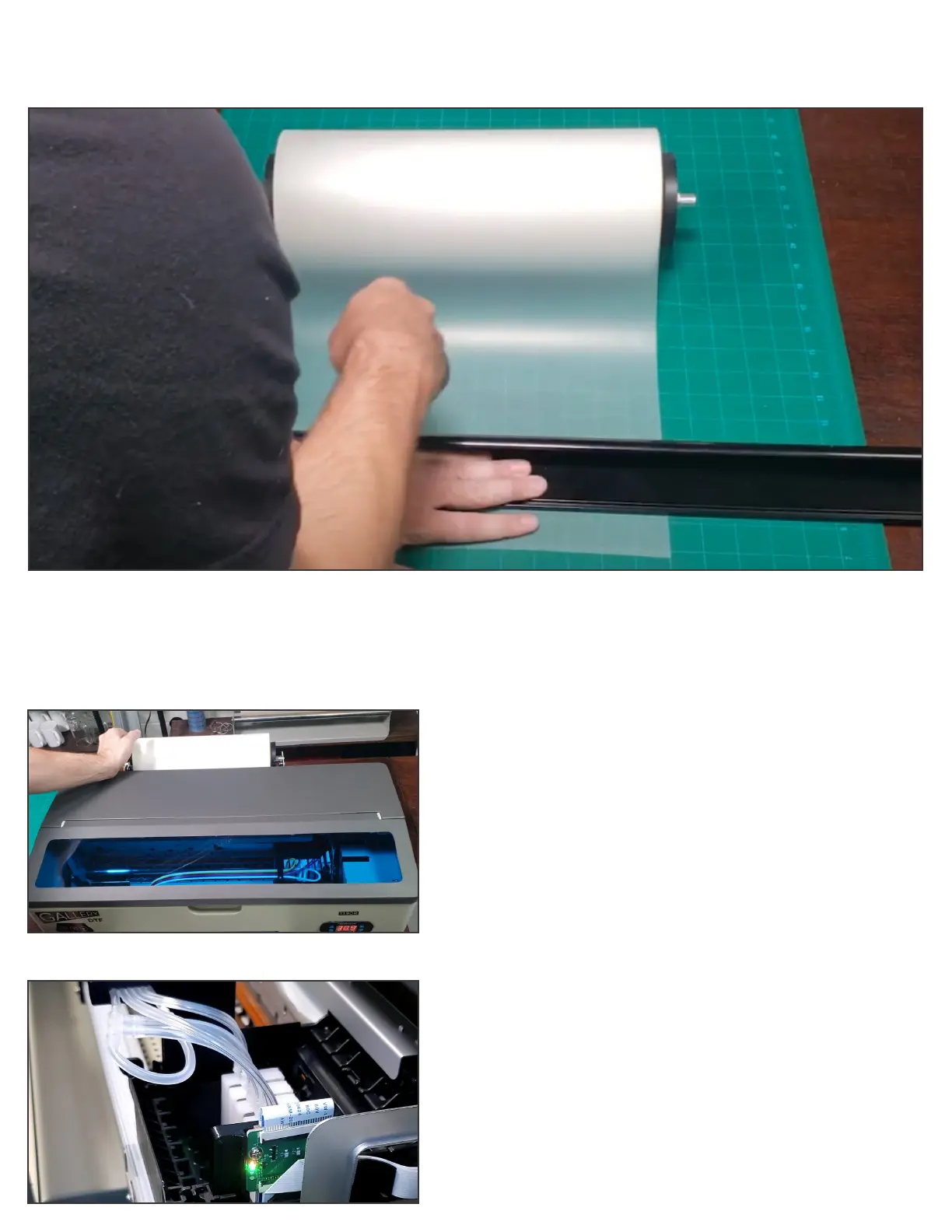
Step 5
Cut lm edge to be exactly perpendicular to the lm sides so that the lm will feed in straight.
Step 6
Place lm into printer and press Exit (Forward) button on
front control panel to pull lm through the printer.
Step 7
Before loading ink into the printer, please install the
software and run a blank test job to verify that no
circuitry or connections were damaged during shipping.
Operating the printer for a short period without inks will
not harm the printer.
SEE NEXT PAGE FOR SOFTWARE SET UP
Setting Up Your Gallery 1390R DTF Printer (Continued:)


 To Next Page