FC66002179 – Rev.00
26
Self-diagnosis procedure
To check the efficiency of the Micronet controller at the time of installation or in order to locate a fault, it is
possible to manually actuate all of the outputs provided (fan, valves, heating element) thanks to the self-diagnosis
function.
To access the self-diagnosis function and carry out checks proceed as follows:
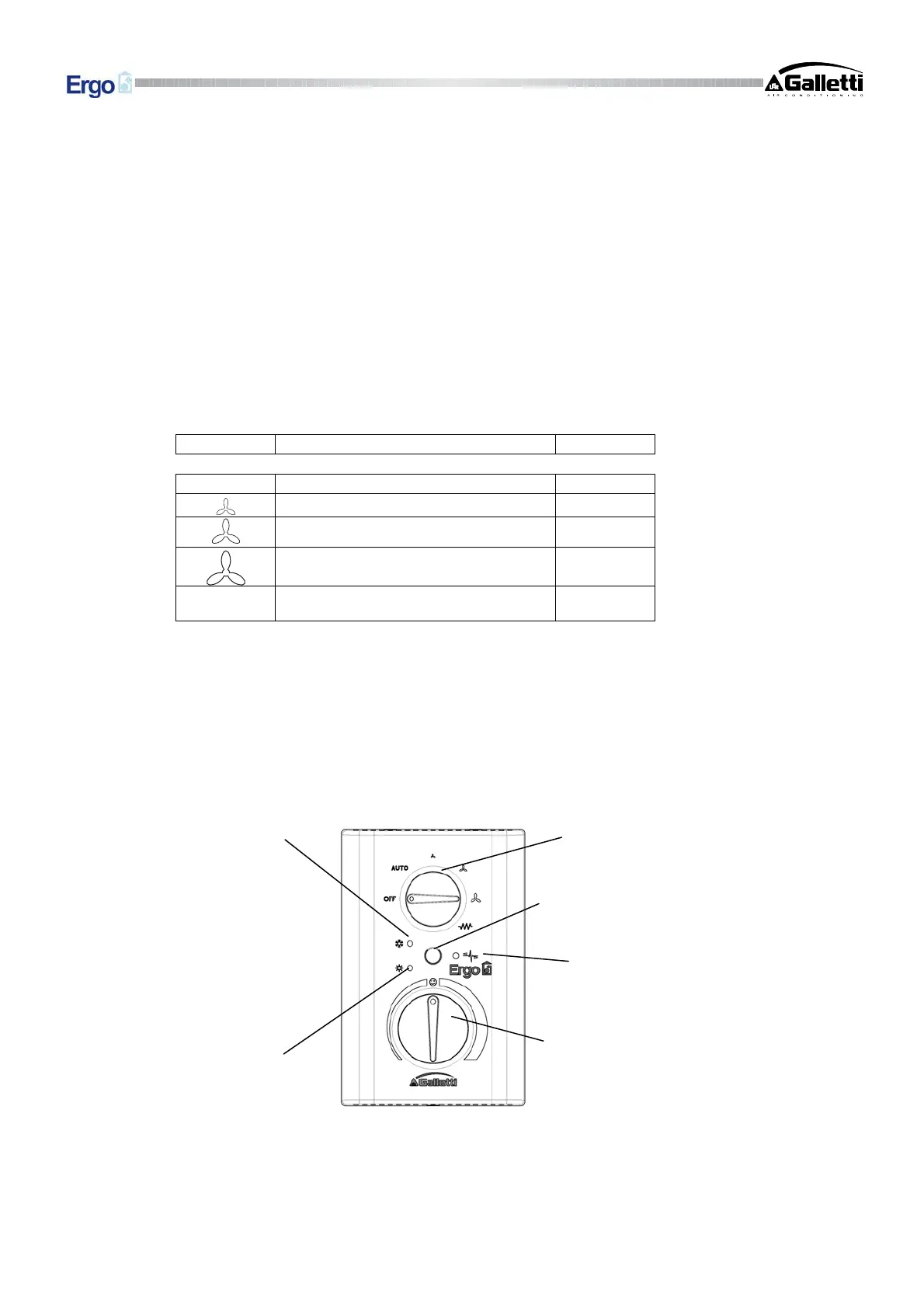
1. Position the function selector on “OFF”
2. Turn the thermostat control anticlockwise all the way to the minimum temperature:
3. Keep the Cool/Heat button pressed down for at least 5 seconds: at this point both LEDs will light up.
4. Within 5 seconds, turn the thermostat control clockwise all the way to the maximum temperature: the red LED
will go off and the blue LED will remain on to indicate that the controller has switched into the self-diagnosis
mode.
Note: if you allow more than 5 seconds to elapse, you will automatically exit the self-diagnosis mode.
5. In the self-diagnosis mode, every position of the function selector corresponds to the simulation of an output,
namely:
Position Actuation Terminals
AUTO Valve N-V
Minimum speed N-V1
Medium speed N-V2
Maximum speed N-V3
O
Second valve N-RE
By moving the function selector to the various positions you can check the electronic control outputs one by one,
either by observing the component involved (valve, fan) or checking for the presence of 230 V power at the
corresponding terminals.
Note: if you allow more than one minute to elapse without moving the function selector you will automatically exit
the self-diagnosis mode.
6. Exit the self-diagnosis mode by turning the function selector to OFF.
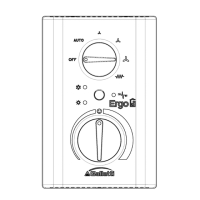
Function selector
Button for selecting Cooling
Heatin
Thermostat
LED indicating
cooling mode
LED indicating
heating mode
SUPERVISION
NETWORK LED


 To Next Page