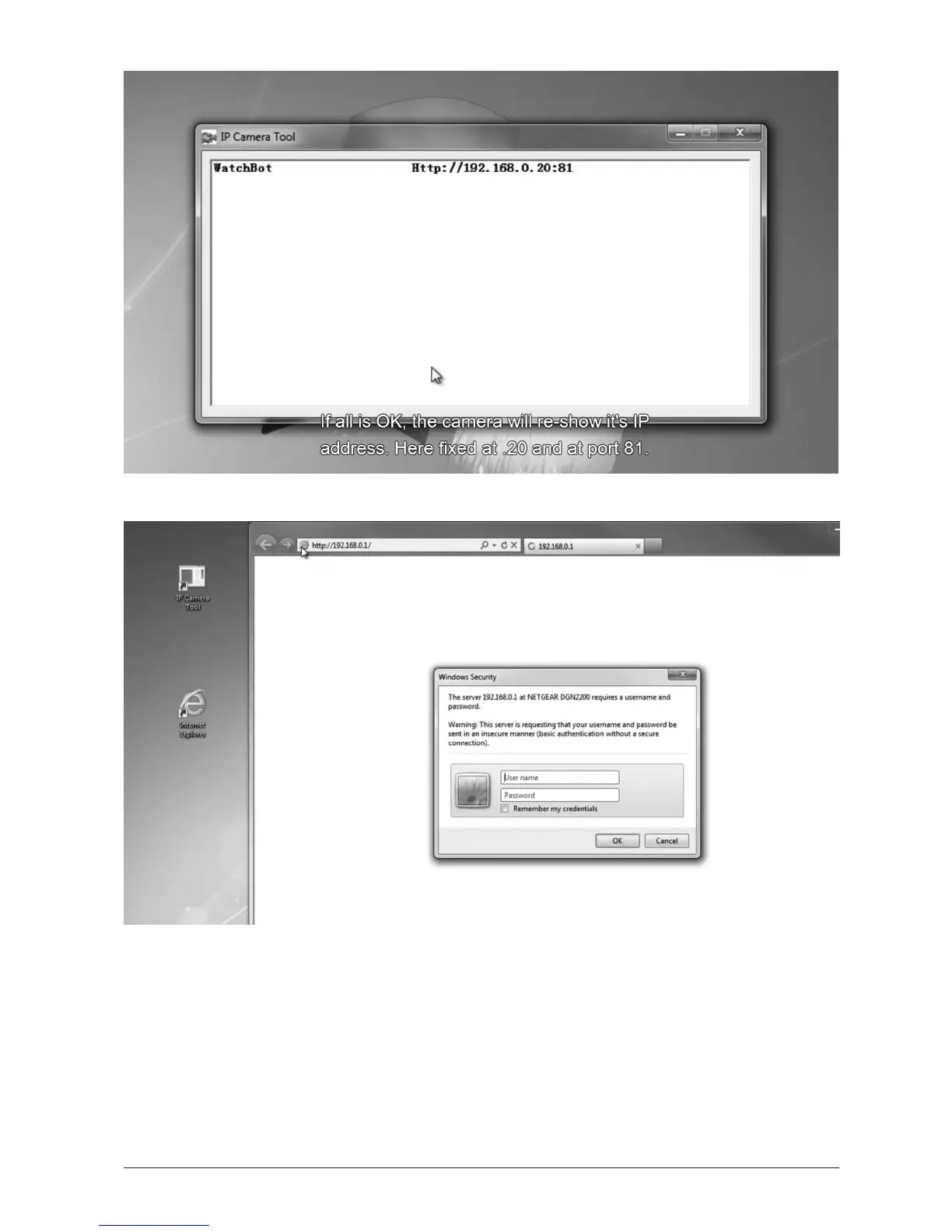
If all is OK, the Camera Tool will re-show it’s IP Address. Here xed at .20 and at Port 81.
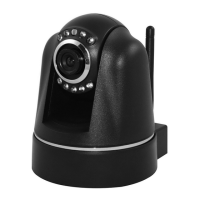
Open your web browser. In the address eld, type the IP address of your router; in our case
192.168.0.1. If unknown please consult your router manual and/or your network provider.
Log in to your router admin with your Username and Password, again if unknown please
consult your router manual and/or your network provider.


 To Next Page