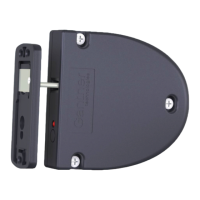
GL7p - Battery-powered, door-mounted electronic locker lock GL7p
Configuration
40
HB_GL7p--EN_12
www.gantner.com
► Click on the “(2) Configure” button (2 in Figure 5.4).
o The “GAT Configurator” window opens (Figure 5.5).
Figure 5.5 – “GAT Configurator” configuration window
5.2.3 Upload Configuration Settings to the GAT ECO.Lock 7xxx F/ISO
When you are finished configuring the GL7p settings in GAT Config Manager, it is important to finalize the
configuration by uploading the file to the GL7p. Complete the following steps to finalize the configuration.
► Click on "OK" in the GAT Configurator window (Figure 5.5).
o The confirm upload window opens.
► Click “Yes” to apply the configuration to the lock.
o The configuration settings are uploaded to the GL7p.


 To Next Page