65
W
W
E
E
B
B
C
C
O
O
N
N
N
N
E
E
C
C
T
T
I
I
O
O
N
N
S
S
E
E
T
T
U
U
P
P
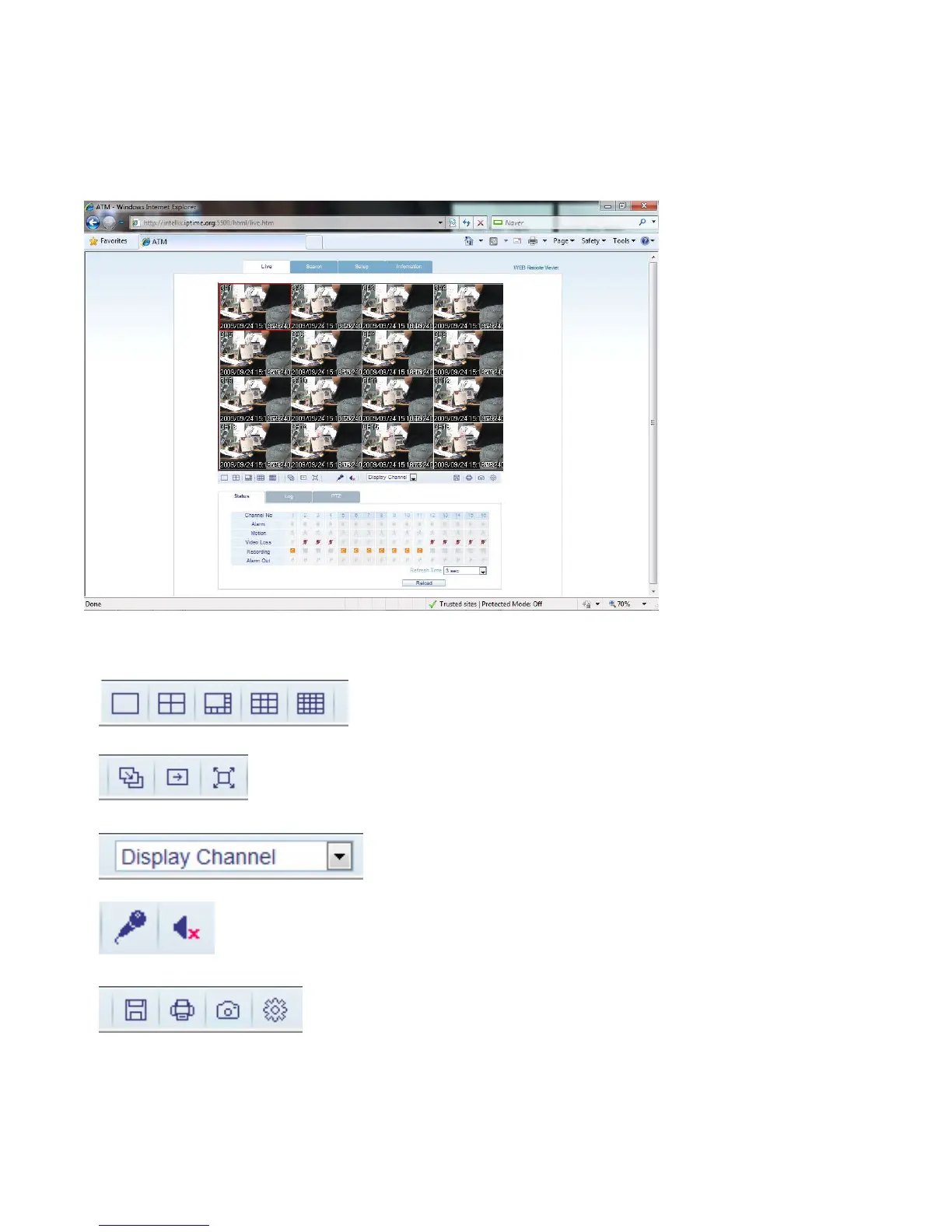
LIVE MODE
Icons and corresponding functions within LIVE mode:
- Select Live View Screen Division (1, 4, 8, 9, 16-channel modes)
- Sequence Mode
- Move to Next Camera
- Full Screen
- Select Live View Channel Manually.
- Activate Microphone to send audio to the DVR audio out jack.
- Toggle Network Audio Receive (from DVR).
- Save the current live image.
- Print the current live image.
- Take a Snapshot of the current live image.



 To Next Page