67
W
W
E
E
B
B
C
C
O
O
N
N
N
N
E
E
C
C
T
T
I
I
O
O
N
N
S
S
E
E
T
T
U
U
P
P
1. Pattern – move a camera to a sequence of several preset camera positions in order.
2. Preset – set a position of the camera to be recalled later.
3. Swing – move a camera between two or more preset points.
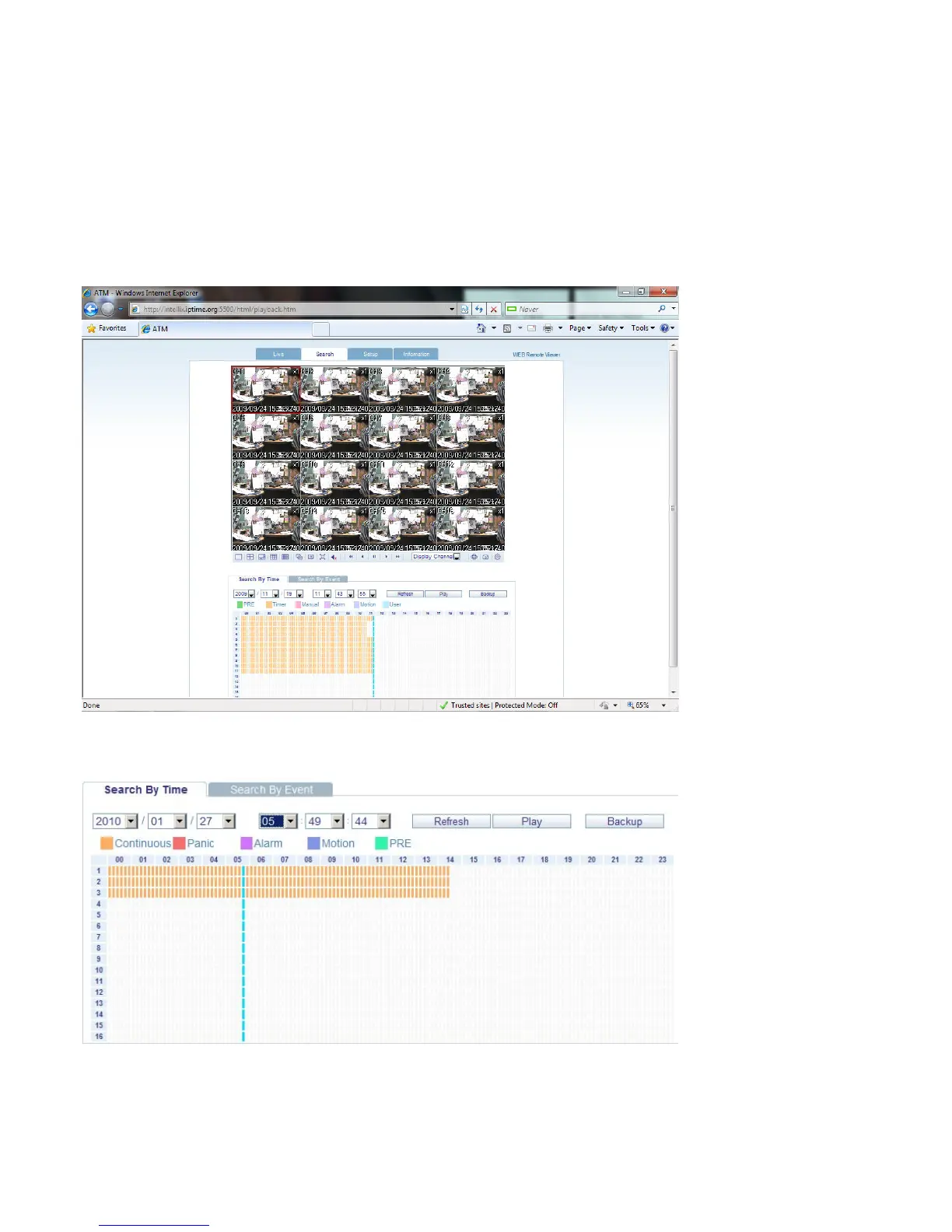
SEARCH BY TIME
- Select a position on the timeline or set an exact time.
- Press the ‘Play’ button to begin playback from the selected position.
1. Refresh : Refresh all data indicators on the recording table.
2. Play : Initiate playback of recorded data from the current position on the timeline.
3. Backup : User can archive recorded data remotely from the DVR to the local PC.



 To Next Page