the reliability design. If you must clean it, please try to blow it
off or pick out the dirt very lightly. Please do not try to wipe it,
which may cause more scratches.
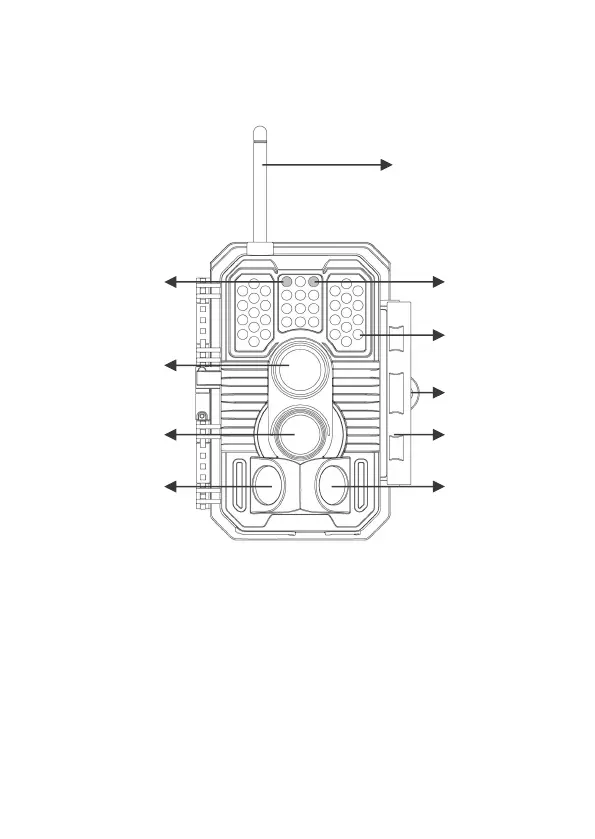
Figure 1: Front View
Install the antenna: The antenna is placed in the accessory
slot of the package box. Please screw the antenna into the
mounting base on the top of the camera and securely tighten it
(Figure 1).
The camera provides the following connections for external
devices: Mini USB port and SD card slot etc. (Figure 2).



 To Next Page