echo 100 and echo 150 Owner’s Manual 1
Introduction
See the Important Safety and Product Information guide in the product box
for product warnings and other important information.
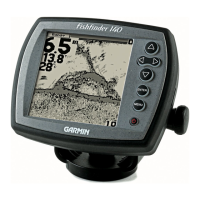
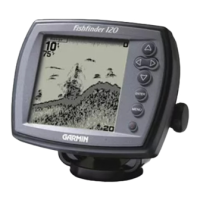
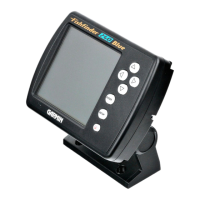
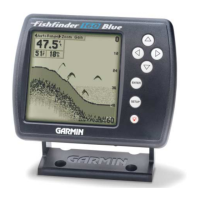
This manual includes information for the echo™ 100 and echo 150
shnders.
In this manual, the term “select” is used to describe these actions:
• Highlighting an item in a menu and pressing ENTER.
• Pressing a key, such as ENTER or MENU.
When you are instructed to select menu items, small arrows (>) may appear
in the text. They indicate that you should highlight a series of items on the
screen using or keys (page 2), and press the ENTER key after each
item. For example, if you see “select MENU > Pause,” you should press
MENU, press or until Pause is highlighted, and then press ENTER.
Help us better support you by completing our online registration today.
• Go to http://my.garmin.com.
• Keep the original sales receipt, or a photocopy, in a safe place.
Contact Garmin Product Support if you have any questions about this
product.
• In the USA, go to www.garmin.com/support, or contact Garmin USA by
phone at (913) 397.8200 or (800) 800.1020.
• In the UK, contact Garmin (Europe) Ltd. by phone at 0808 2380000.
• In Europe, go to www.garmin.com/support and click Contact Support
for in-country support.









 To Next Page