2 echo 100 and echo 150 Owner’s Manual
Getting Started
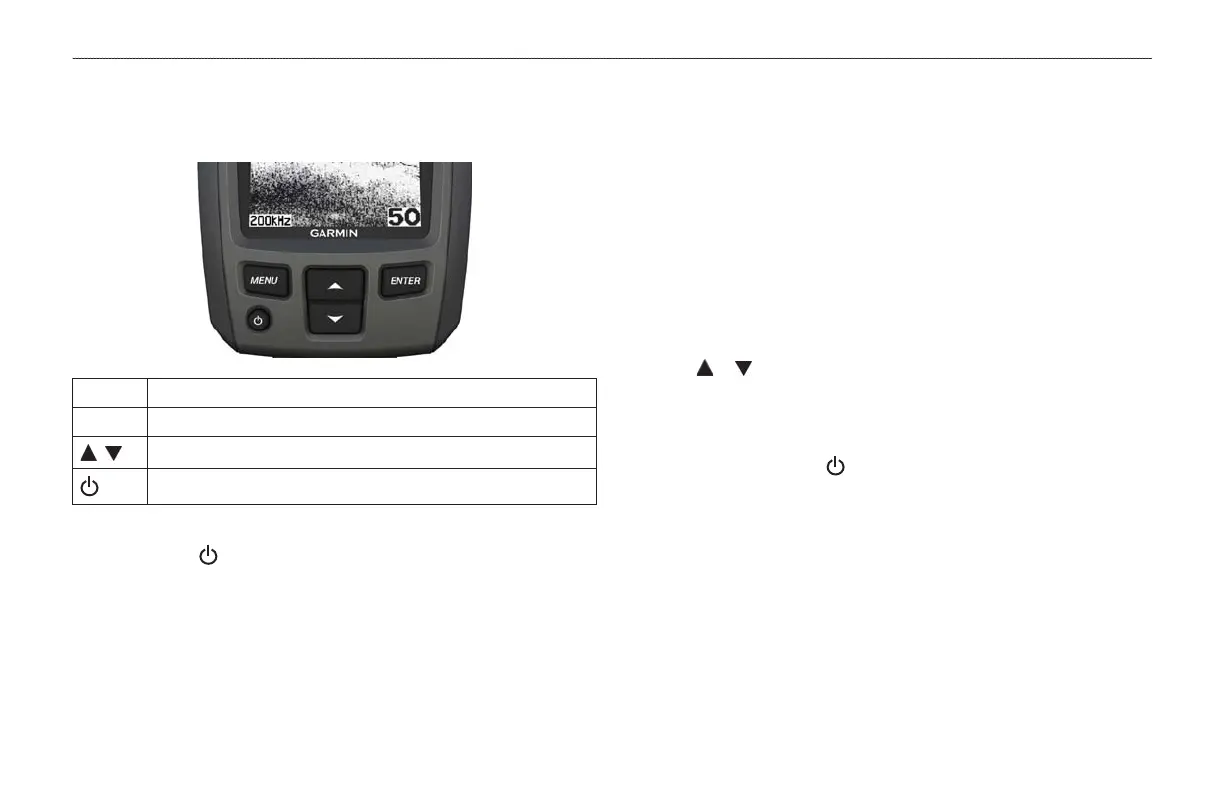
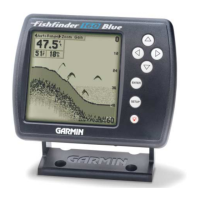
Displays a list of options or returns you to your previous screen.
Selects a menu item.
Scrolls through options or changes settings.
Turns the device on or off and adjusts the backlight.
Press and hold .
Before you can use the device the rst time, you must congure a series
of initial settings. You must also congure these settings when restoring
original factory settings. You can update each of these settings later.
1. Select a language.
2. Select the units in which to measure depth.
3. Select the units in which to measure temperature.
4. Select Done.
1. From the Sonar screen, select MENU > Setup > System > Contrast.
2. Select or .
3. Select ENTER.
1. Press and quickly release .
2. Repeat to cycle through the brightness settings.









 To Next Page