GPSMAP 182/182C Owner’s Manual 1
BASIC OPERATION > INITIALIZING THE RECEIVER
BASIC OPERATION
Initializing the Receiver
The first time you turn on the GPSMAP 182/182C, the receiver
must be given an opportunity to collect satellite data and
establish its present location. To ensure proper initialization, the
GPSMAP 182/182C is shipped from the factory in AutoLocate
mode.
Before you initialize, make sure the GPSMAP 182/182C unit and
antenna have been correctly installed on your vessel according to
the instructions in the Appendix. Install the antenna in a location
with a clear and unobstructed view of the sky.
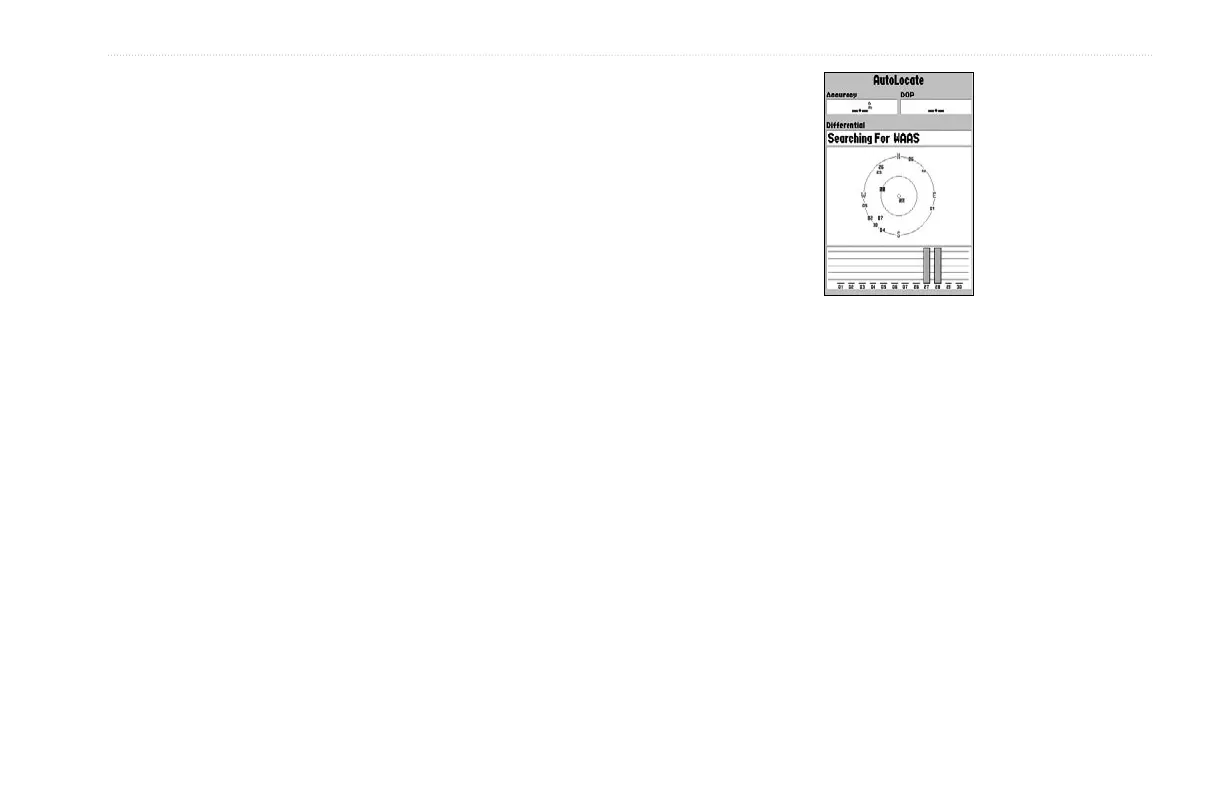
A full-screen GPS Information Page is displayed after you press
ENTER to acknowledge the Warning Page. The page goes away
after the unit gets a position fix or you press either ENTER
or QUIT. The page can be disabled and enabled on the Main
Menu—Pages tab (see page 63).
To turn on the GPSMAP 182/182C:
1. Press and hold the POWER key until the power tone
sounds, and then release the POWER key. The Warning
Page appears while the unit conducts a self-test.
2. When the self-test is complete, press ENTER to agree and
acknowledge the warning.
The GPS Information Page appears as the receiver begins acquiring
satellites.
To turn off the GPSMAP 182/182C:
1. Press and hold the POWER key for approximately
2 seconds, until the screen is blank.
2. When the screen is blank, release the POWER key.


 To Next Page