66 GPSMAP 182/182C Owner’s Manual
MAIN MENU > MAP TAB
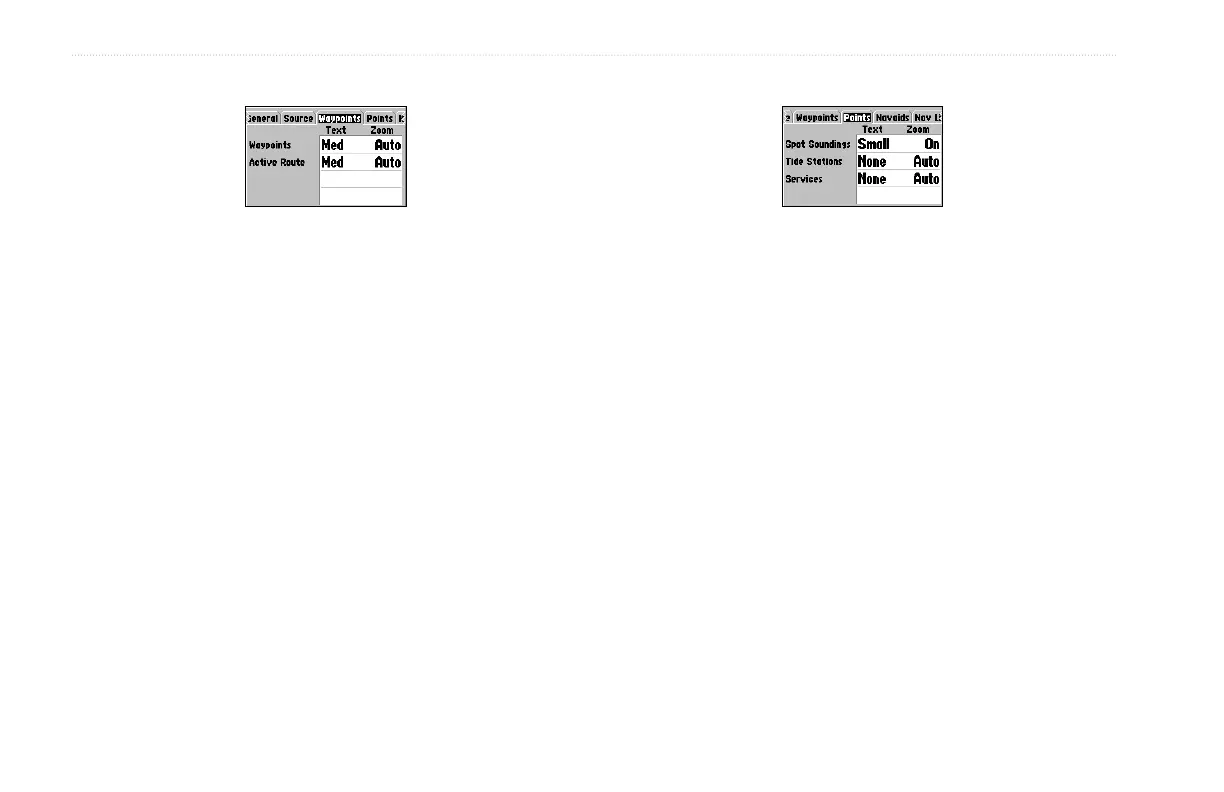
Waypoints Sub Tab
The Waypoints and Active Route options each contain adjustments
for Text and Zoom.
• Text—None, Small, Medium, and Large: controls the screen
size of the name.
• Zoom—Auto, Off, 120 ft-800 mi: sets the maximum scale
features should appear on the Map Page. Some types of data
only show up at specific zoom scales.
Points Sub Tab
The Spot Soundings, Tide Stations, and Services options each
contain adjustments for Text and Zoom.
• Text—None (except Spot Snd.), Small, Medium, and Large:
controls the screen size of the name.
• Zoom—Auto, Off, 120 ft-800 mi: sets the maximum scale
features should appear on the Map Page. Some types of data
only show up to specific zoom scales.


 To Next Page