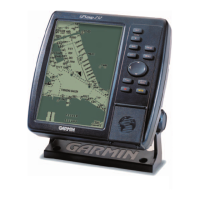
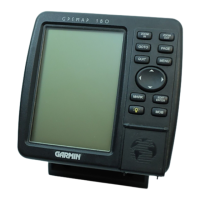
74 GPSMAP 182/182C Owner’s Manual
MAIN MENU > COMM TAB
To select a transfer mode:
1. Use the ROCKER to select Garmin Data Transfer in the
Serial Data Format field.
2. Highlight the Transfer Mode field, and press ENTER.
3. Use the ROCKER to select the setting, and press ENTER.
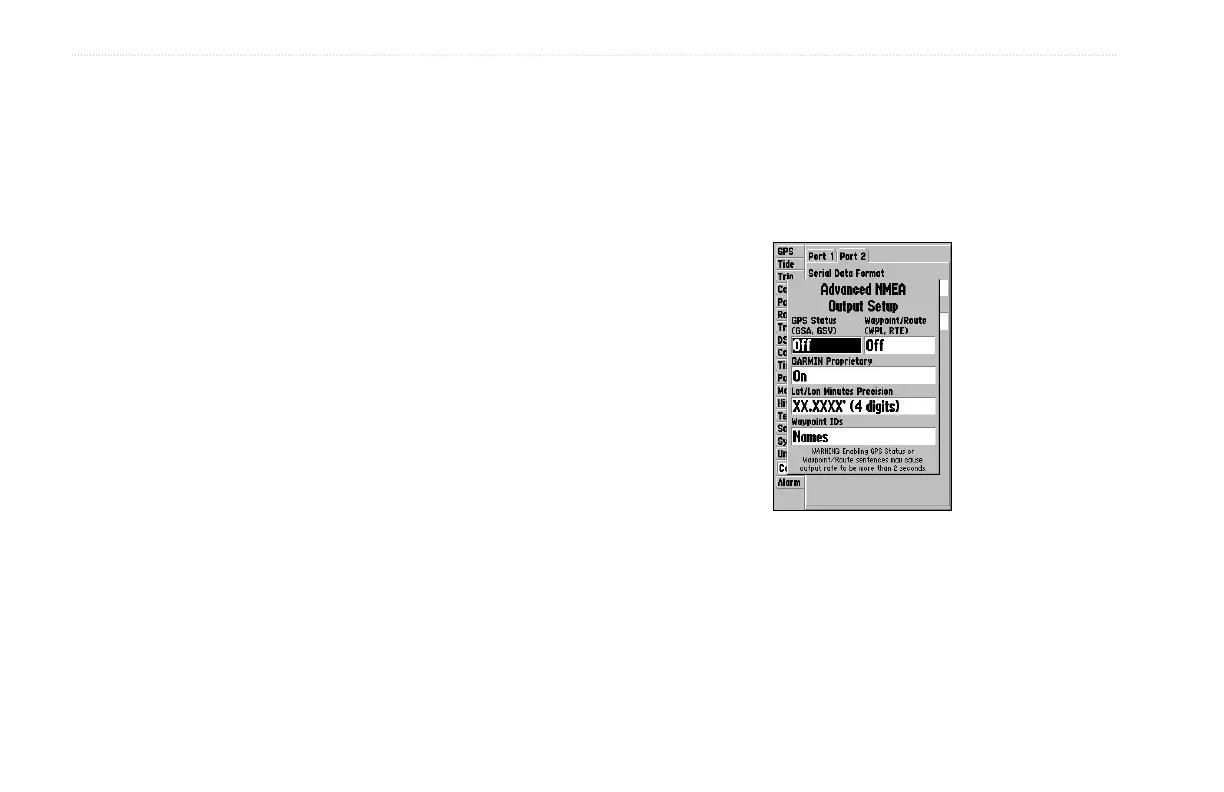
Advanced NMEA settings to adjust the NMEA output are available
if you have one of the ports set to NMEA In/NMEA. Advanced
NMEA settings enable/disable certain sentences and adjust the
number of Lat/Lon output precision digits. Settings affects both
Port 1 and Port 2 NMEA outputs.
To adjust the NMEA output:
1. From the Comm tab, press MENU, highlight NMEA Setup,
and press ENTER.
2. Highlight an option, and press ENTER.
3. Use the ROCKER to select the setting, and press ENTER.
Press QUIT to return to the Comm tab.
Advanced NMEA Output
Setup Page


 To Next Page