18
Detailed Operation
Message Log (MSG)
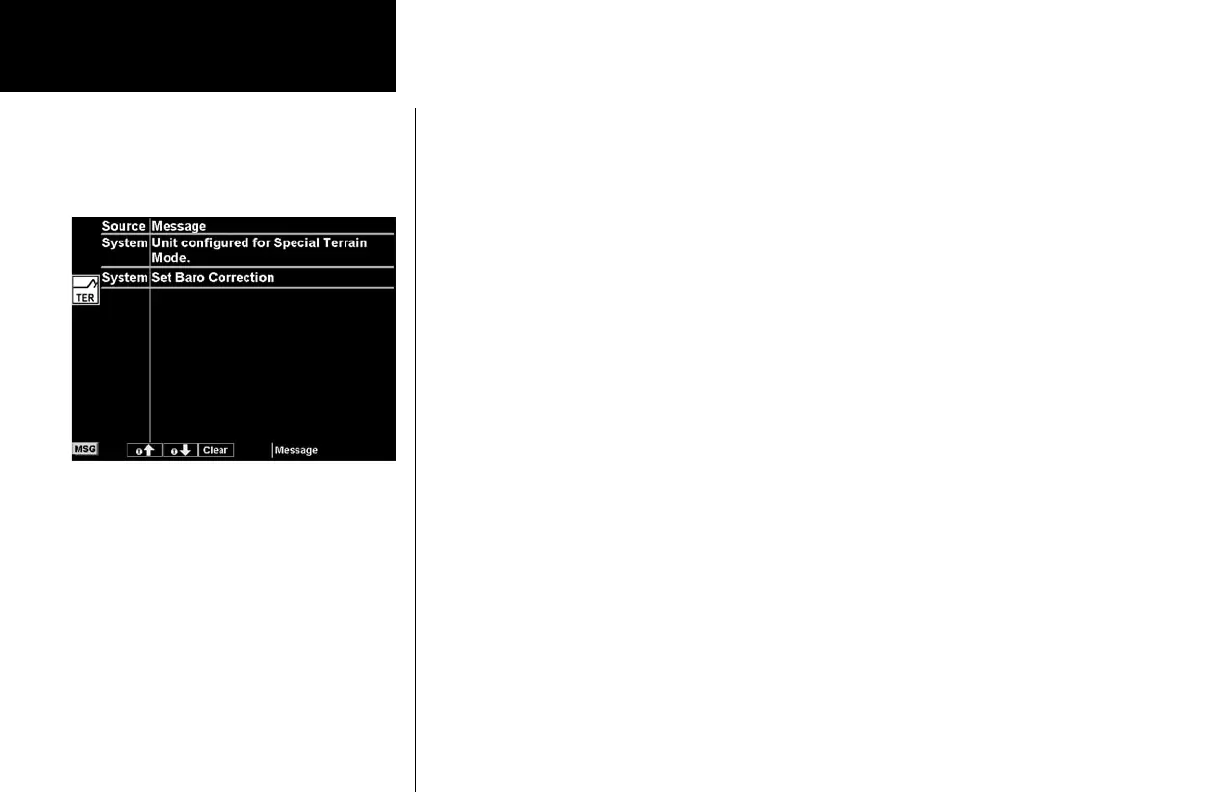
The Message function displays information about the status of the MX20. Messages may be logged by either
the MX20 internal system or by one of the external sensors. The amber MSG flag will flash until the message is
viewed. The MSG flag will remain in view while any messages remain in the message log. New messages that
have not been viewed will be highlighted as bold text.
1. Press FN until you see the MSG function key.
2. Press the MSG key.
3. Use the UP/DOWN arrow “smart” keys to move to additional messages, if more than one page of
messages exist.
4. Press CLEAR to remove the stored messages.
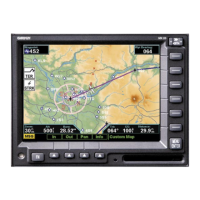
Message Log
Message Log Function Display


 To Next Page