XM Satellite Radio
16 GPSMAP 400/500 Series Weather Supplement
XM Radio Bar
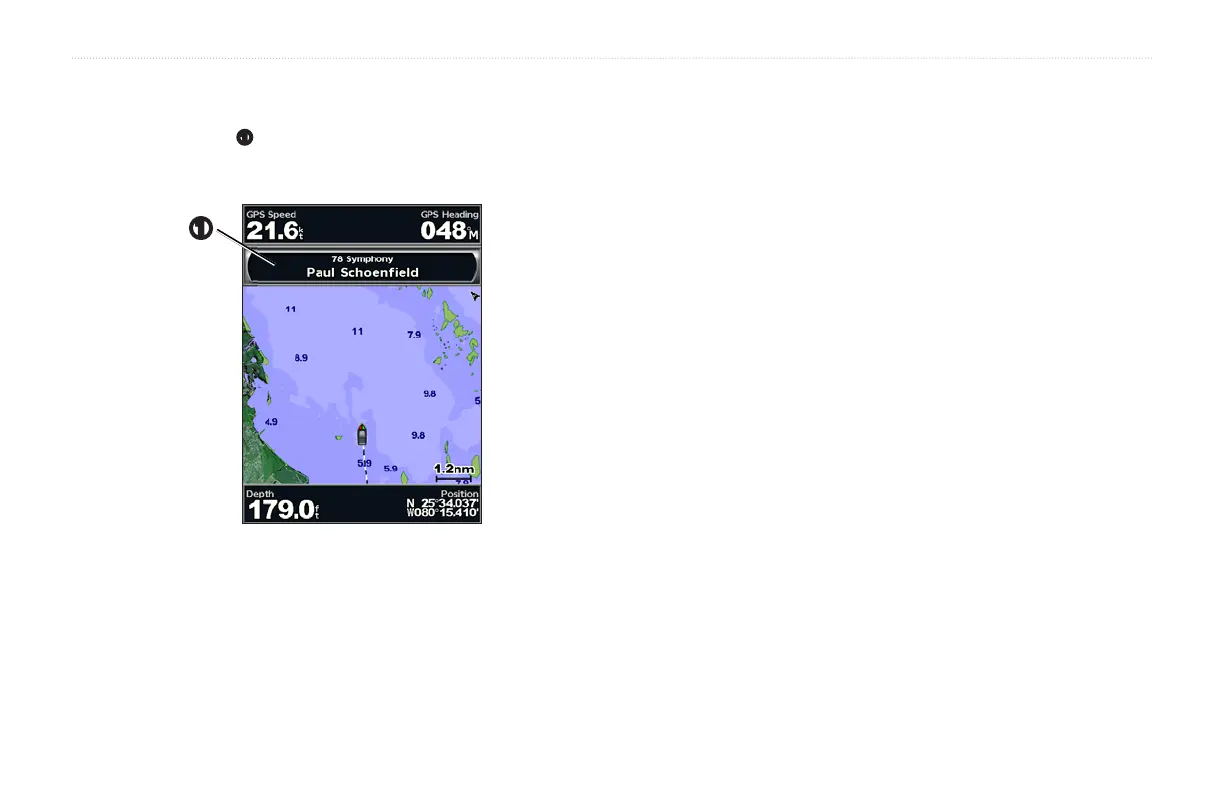
Displaying the XM Radio Data Bar on a Chart
The XM Radio data bar
➊
is available on all charts. On a chartplotter, a data
bar congured to appear on one chart may not appear on another chart. The
data bar for each chart must be congured separately.
➊
1. From the Home screen, select .
2. Select a chart.
3. Select > > > .











 To Next Page