18 Forerunner
®
35
EN
2
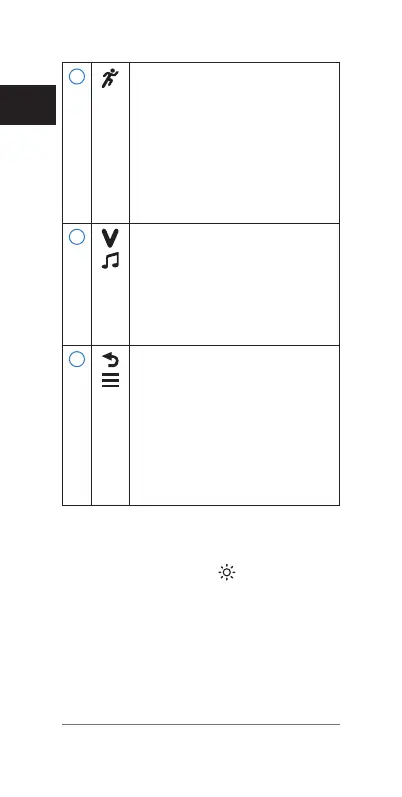
Select to choose an activity
profile.
Select to start and stop the
timer.
Select to choose the
highlighted menu item.
Select to view more
information.
3
Select to scroll through the
screens, pages, options, and
settings.
Hold to open the
music controls for your
smartphone.
4
Select to return to the
previous screen.
Select to mark a new lap,
when the lap key function
is enabled.
From the time of day
screen, select to view the
menu.
Using the Backlight
• At any time, select to turn on
the backlight.
NOTE: Alerts and messages activate
the backlight automatically.
• Customize the backlight behavior
during activities
(Customizing the
Backlight for Activities, page 60)
.















 To Next Page