20 Forerunner
®
35
EN
Training
Going for a Run
The first fitness activity you record on
your device can be a run, ride, or any
outdoor activity. The device comes
partially charged. You may need
to charge the device
(Charging the
Device, page 19)
before starting
the activity.
1 Select , and select an activity
profile.
2 Go outside, and wait while the
device locates satellites.
3 Select to start the timer.
4 Go for a run.
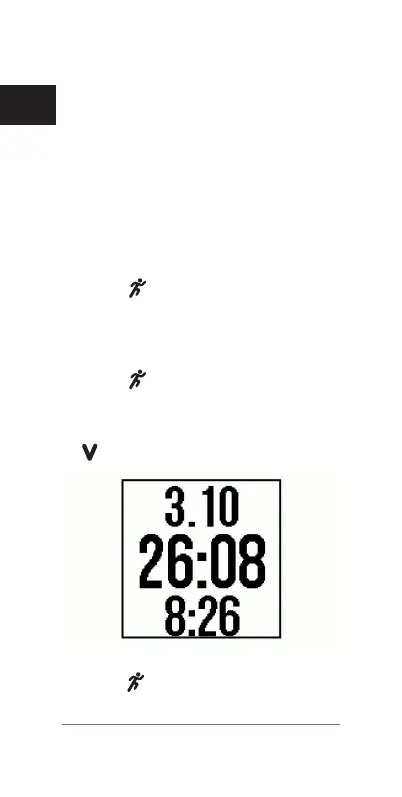
The timer appears. You can select
to view more data pages.
5 After you complete your run,
select to stop the timer.















 To Next Page