31Forerunner
®
35
EN
weekly intensity minutes goal, and
your progress toward your goal.
Last sport: Displays a brief summary
of your last recorded sport.
Weather: Displays the current
temperature and weather forecast.
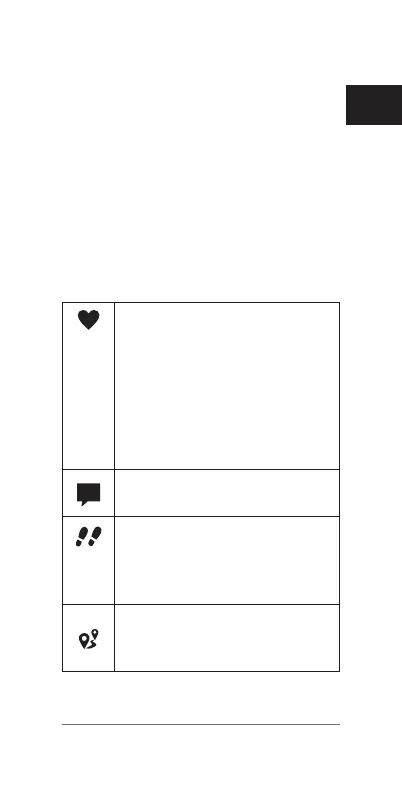
Icons
Icons represent different device
features. Some features require a
paired smartphone.
Your current heart rate in
beats per minute (bpm) and
resting heart rate for today.
A flashing icon means the
device is reading your heart
rate data. A solid icon means
the device is locked on to
your heart rate.
Notifications received from a
paired smartphone.
The total number of steps
taken for the day, your step
goal for the day, and your
progress toward your goal.
The distance traveled in
kilometers or miles for the
current day.















 To Next Page