8 Foretrex 301/401 Owner’s Manual
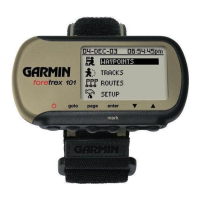
Waypoints, Tracks, and Routes
Waypoints, Tracks,
and Routes
Waypoints
Waypoints are locations you record
and store in the Foretrex.
1. Press and hold mark.
2. Select
OK.
To navigate to a waypoint:
1. Press and hold goto.
2. Select the waypoint from the list.
Editing Waypoints
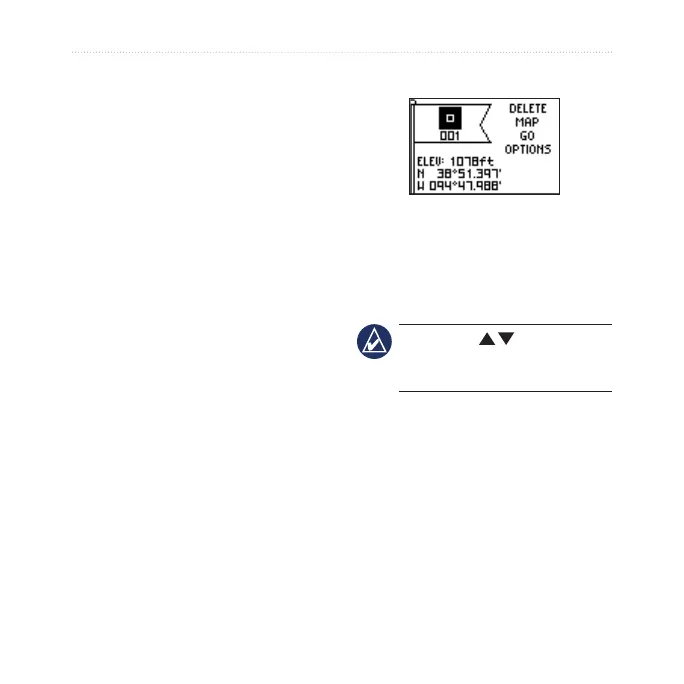
Waypoint page
After you have marked a waypoint,
you can edit the name, the symbol,
the elevation, and the latitude/
longitude from the waypoint page.
NOTE: Use to select the
letters and numbers. Press enter
to edit.
To edit existing waypoints:
1. Select > WAYPOINTS > LIST
ALL.
2. Select the waypoint you want to
edit.



 To Next Page