FR60 Owner’s Manual 1
Getting Started
Getting Started
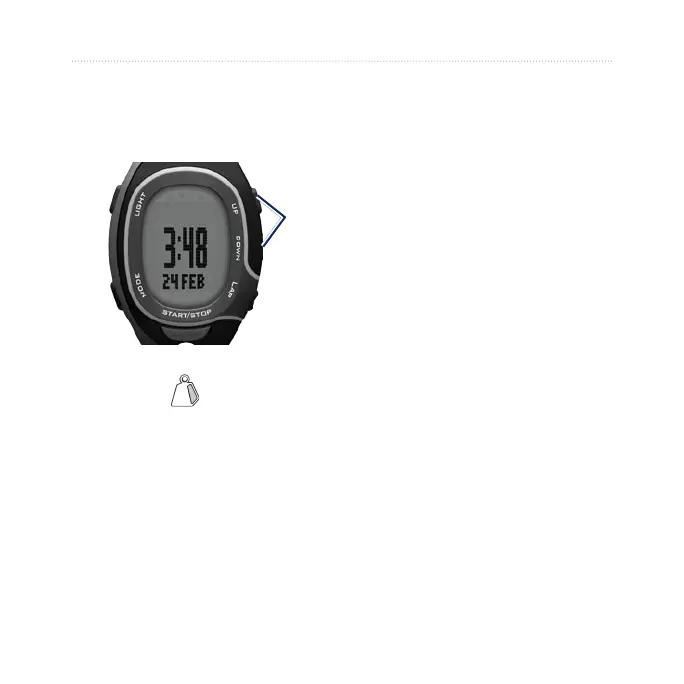
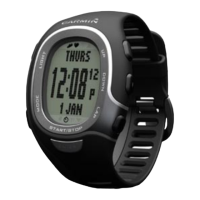
Buttons
➊
➋
➎
➍
➌
➊
LIGHT/
Press to turn the backlight on.
Press and hold to pair with your
ANT+
™
weight scale (optional).
➋
UP/DOWN
Press to scroll through training
pages during an activity.
Press to scroll through menus and
settings.
•
•
•
•
Press and hold to scroll quickly
through the settings.
On the Virtual Partner page, press
and hold to adjust the Virtual
Partner pace. (The foot pod must
be paired to view the Virtual
Partner page.)
➌
LAP
Press to create a new lap.
In training mode, press and hold
to save your activity.
In history mode, press and hold
to delete an activity.
➍
START/STOP/ENTER
In training mode, press to start or
stop the timer.
In menu mode, press to conrm
and advance to the next setting.
In time mode, press and hold to
set the time.
•
•
•
•
•
•
•
•


 To Next Page