2 FR60 Owner’s Manual
Getting Started
➎
MODE
Press to change modes.
Press to exit a menu or page.
Your settings are saved.
Press and hold to change sport
modes.
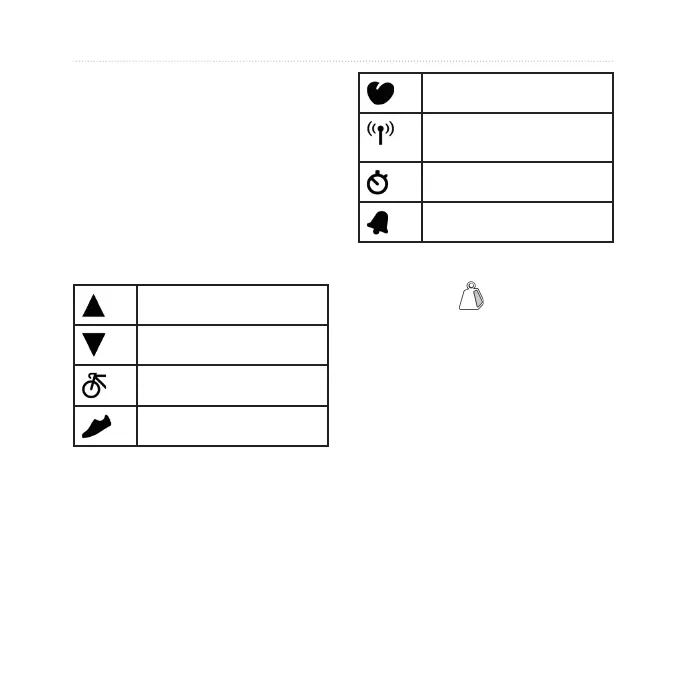
Icons
More items in a list.
More items in a list.
Bike sensor active
Foot pod sensor active
•
•
•
Heart rate sensor active
Data uploading or pairing
with tness equipment
Timer is running
Alarm on
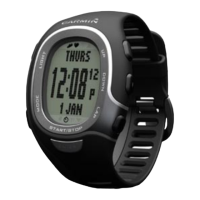
FR60 Backlight
Press LIGHT/ to turn on the
backlight. The default backlight time
is 5 seconds.
Press MODE > SETTINGS >
SYSTEM > BACKLIGHT to
adjust the backlight time from 1 to
20 seconds.
Changing Modes
Press MODE to change modes. (See
image on page 3.)


 To Next Page