GFC 600 AFCS Part 23 AML STC Maintenance Manual Page 44
190-01938-00 Revision 13
For certain GMC 605 software versions, an additional page may appear prior to the upload
process which says: “STANDARD LOAD OR SELECT BINS”. If this page appears, it is
acceptable to follow the below procedure to select the appropriate files to load.
For these pages:
• A checkmark indicates that the file will load
• An “X” means that the file will not load
• An “R” means that the load is “required” (and cannot be deselected). The following
items are required
o Manifest
o Aircraft Config
o ARHS Config
o Audio Config
o ARINC 429 Config
o IGRF Database
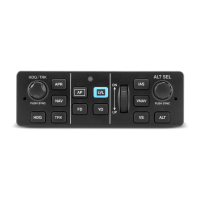
To access the selection pages, Press the IAS button from the “STANDARD LOAD OR SELECT
BINS” screen.
To toggle individual line item selections on the following screens, press the VS key.
To toggle all selections on the following screens, press the LVL key.
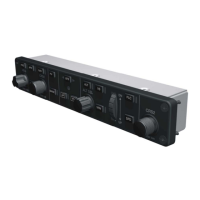
Utilize the UP/DN thumbwheel to move up and down in the list.
Ensure that those files which have a CARD V which is different from the LRU V are selected.
Those that are required can not be toggled.
When the appropriate files are selected, scroll to the bottom of the list, then press the HDG
button to start the load.
8.2 GI 285 Software
The GI 285 comes preloaded with the correct software and is not field loadable. No load
procedure is required.






 To Next Page

