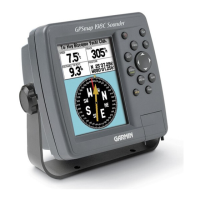
GPSMAP 188/188C Sounder Owner’s Manual 29
MAIN PAGES > MAP PAGE
Use the pointer to create new waypoints directly from the map.
To create a waypoint with the pointer:
1. Use the ROCKER to move the pointer to the map location.
2. Press ENTER. The New Map Waypoint window appears.
(If the pointer is on a map item, press ENTER, and a new
window with details about the item appears.)
3. Press ENTER again on the highlighted Create Wpt option.
4. Press ENTER to confirm the new waypoint using the default
three-digit name and symbol.
For more information about waypoints, see page 8.
Selecting Map Ranges
The map display has 28 available zoom ranges from 20 ft to 800 mi
(5 m to 1200 km.) The map range is controlled by the IN and OUT
keys, with the current range displayed at the bottom right of the
data window.
To select a map range:
Press the OUT key to zoom out and the IN key to zoom in.
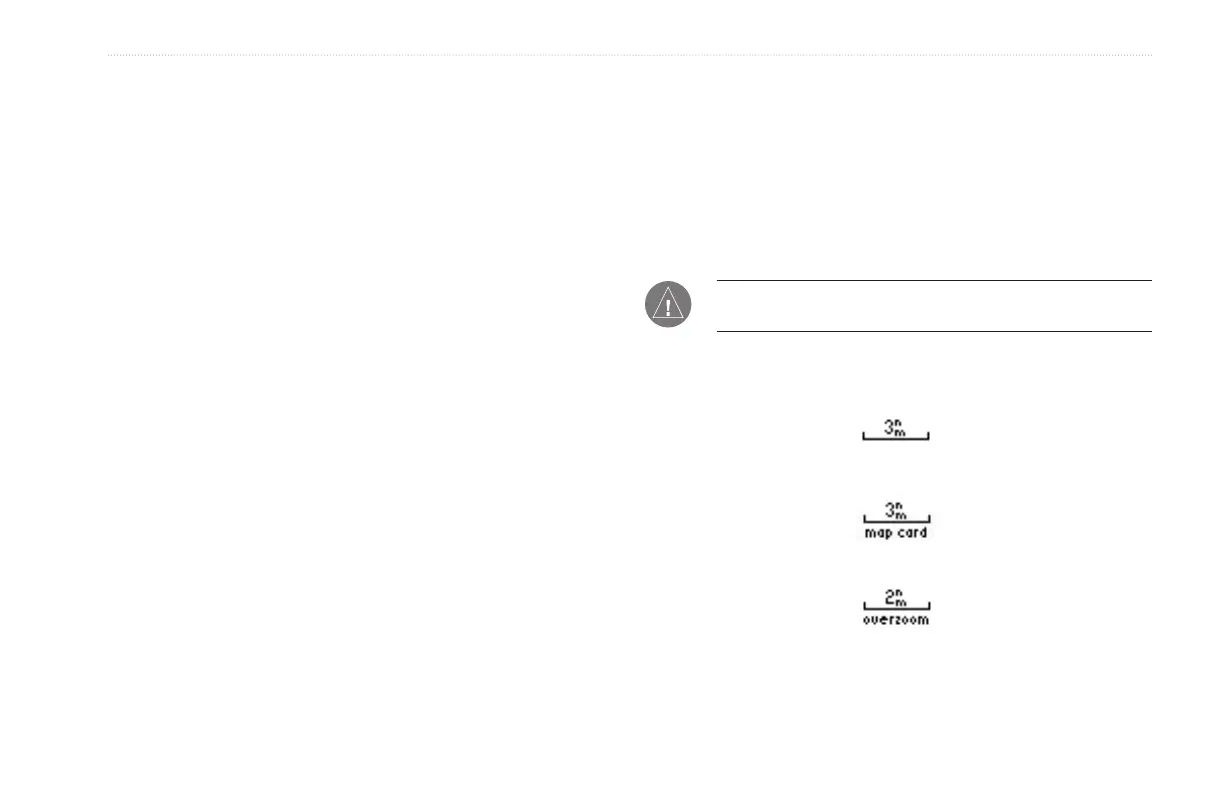
NOTE: The range value represents the distance from one end
of the range bar to the other.
Using Built-In Basemap
Using BlueChart/MapSource Data
Overzoom, no additional data is available


 To Next Page