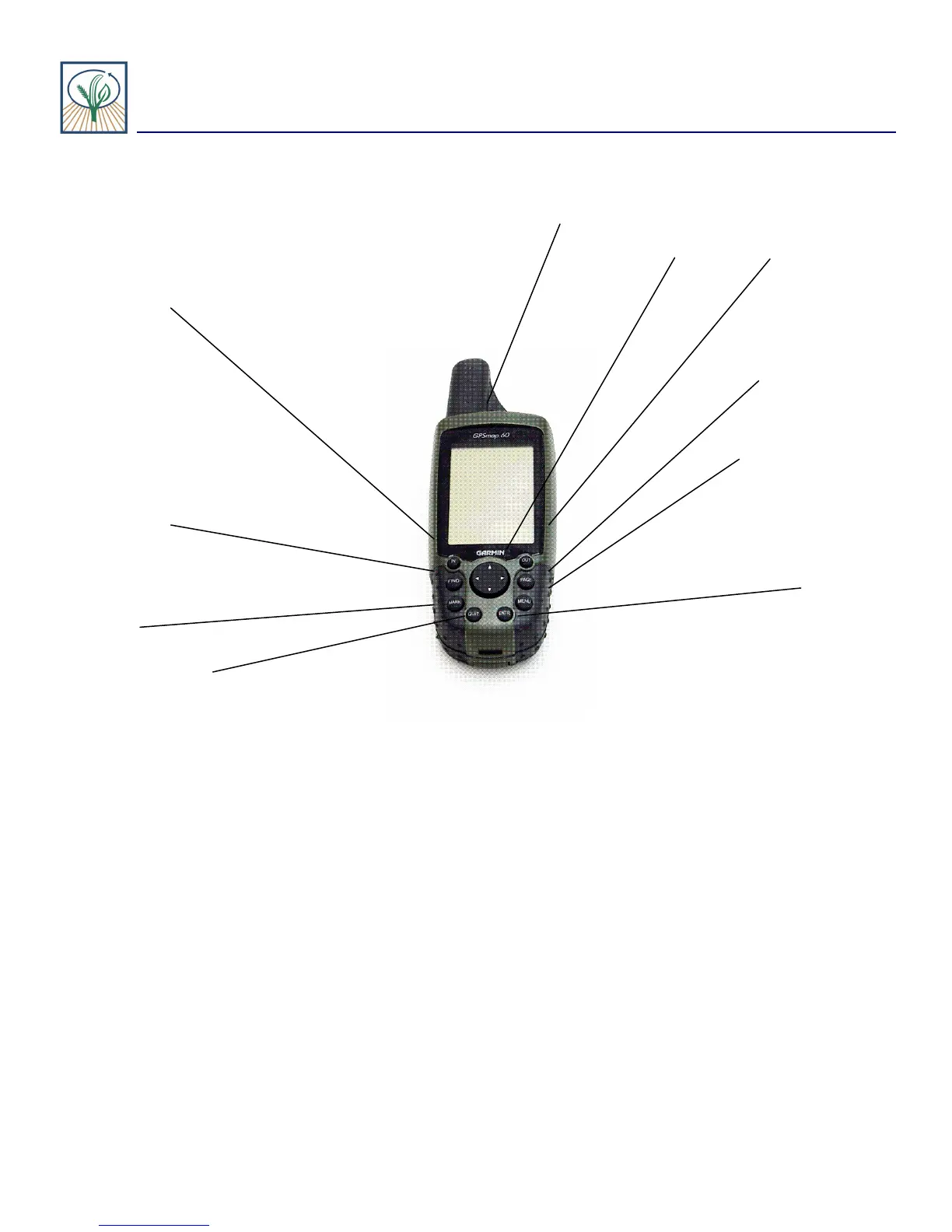
Getting to know your GPS unit
USU/NASA GEOSPATIAL EXTENSION PROGRAM On Target 2005
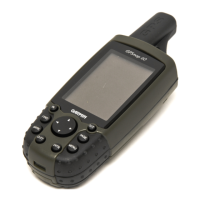
1. Power Button
2. Rocker 3. Out key
4. Page
5. Menu
6. Enter
7. Quit
8. Mark
9. Find
10. In
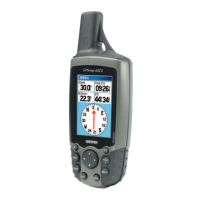
1. Power button: Located at the top of the GPSmap 60 near the antennae
- Press and hold to turn power on or off
- Press briefly while turned on to turn on backlight or adjust screen contrast
2. Rocker button: Works similar to a computer mouse
- Scrolls through menus
- Moves curser, or arrow, in desired direction
- Highlights different icons
3. Out button:
- Can zoom out in the map page
- Scroll down a page in any other mode
Key Functions

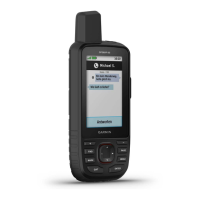
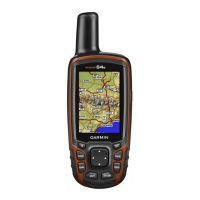
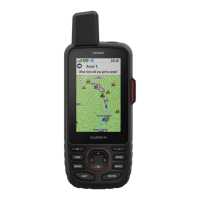


 To Next Page