EasyManua.ls Logo

Garmin GPSMAP 62 - User Manual

Garmin GPSMAP 62
154 pages
Print Icon
To Next Page IconTo Next Page
Loading...
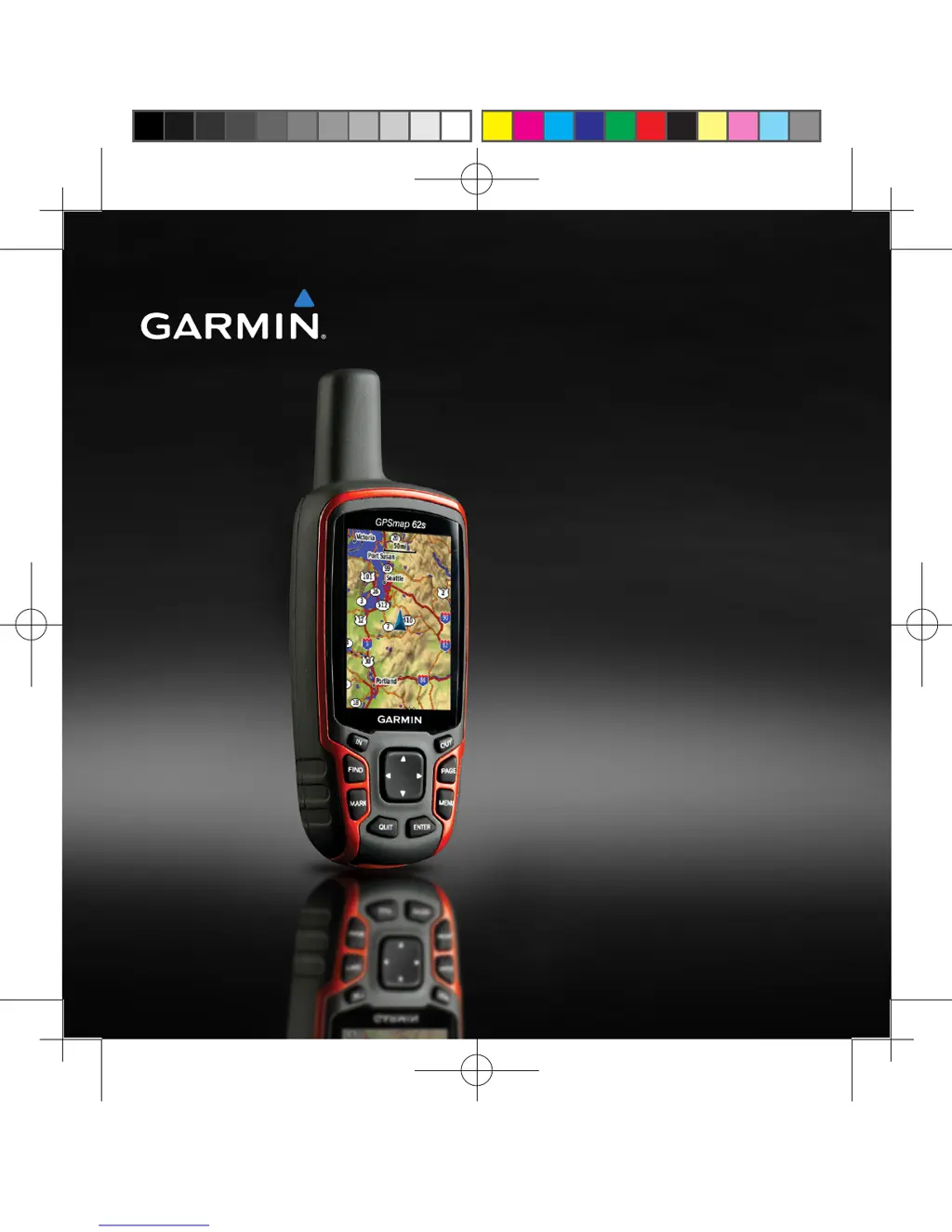
GPSMAP 62/ 62s
owners manual
190-01215-25_0A.indd 1 2011/3/22 下午 03:12:32

Table of Contents

Other manuals for Garmin GPSMAP 62

Questions and Answers

  • R
    Robin BlevinsJul 26, 2025
    What to do if Garmin GPS does not acquire satellite signals?
    • D
      dfarmerJul 26, 2025
      If your Garmin GPS device isn't picking up satellite signals, try the following: First, move away from obstructions like parking garages, tall buildings, and trees. Then, power on the device and remain stationary for a few minutes to allow it to connect.
  • J
    Jose MyersAug 3, 2025
    How to reset Garmin GPS when screen or buttons unresponsive?
    • S
      scottcourtneyAug 3, 2025
      If the screen or buttons on your Garmin GPS are not responding, you can reset the device by removing and reinstalling the batteries. Note that this will not erase any of your data or settings.
  • D
    Denise ParkerAug 9, 2025
    How to reset Garmin GPSMAP 62 to factory settings?
    • A
      Austin WebbAug 9, 2025
      To reset your Garmin GPS device to its original factory settings, go to the main menu, select Setup, then Reset, and finally Reset All Settings.
  • Y
    yhinesAug 17, 2025
    How to fix Garmin GPSMAP 62 GPS not going into mass storage mode?
    • M
      Mark JonesAug 17, 2025
      If your Garmin GPS is connected to the computer but won't enter mass storage mode, it could be due to a corrupted file. To resolve this, disconnect the device, turn it off, then press and hold the Rocker while reconnecting it to your computer. Keep pressing the Rocker for 10 seconds, or until the device enters mass storage mode.

Summary

Getting Started

Installing the Batteries

Step-by-step guide for opening the battery compartment and inserting batteries.

Acquiring Satellite Signals

How to get GPS satellite signals for accurate location determination.

Buttons

Explains the function of each physical button on the device interface.

Navigating with Waypoints and Routes

Waypoints

Locations recorded and stored in the device for future reference.

Creating Waypoints

Steps to mark and save a specific location on the device.

Routes

A sequence of waypoints leading to a destination.

Creating a Route

Steps to build a new route by selecting waypoints.

Navigating a Route

Following a saved route to reach a destination.

Tracks

Managing Track Log Recording

Configuring how the device records track data.

Using the Main Pages

Customizing the Data Fields

Personalizing information displayed on main pages.

Compass Features

Calibrating and using the device's compass.

Customizing Your Device

Customizing Data Fields

Personalizing information displayed on main pages.

System Settings

Configuring core device functions like GPS, language, and battery.

Appendix

Troubleshooting Common Issues

Solutions for unresponsive device, signal, and battery problems.

Garmin GPSMAP 62 Specifications

General IconGeneral
Display resolution160 x 240 pixels
Display typetransflective, 65-K color TFT
Battery type2 AA batteries (not included); NiMH or Lithium recommended
Battery life20 hours
Water ratingIPX7
High-sensitivity receiverYes
InterfaceUSB
BasemapYes
Ability to add mapsYes
Built-in memory1.7 GB
Accepts data cardsmicroSD card (not included)
Waypoints/favorites/locations2000
Routes200
Track log10, 000 points, 200 saved tracks
Electronic compassYes
Barometric altimeterYes
Geocaching-friendlyYes (Paperless)
Custom maps compatibleYes
Picture viewerYes
Garmin Connect compatibleYes
Wireless connectivityNo
GPS receiverYes
Display size2.6 inches
Weight260.1 g with batteries
Physical dimensions6.1 x 16.0 x 3.6 cm

Related product manuals