GPSMAP 62/62s Owner’s Manual 7
Getting Started
EN
strength. When the bars are green, the
device has acquired satellite signals.
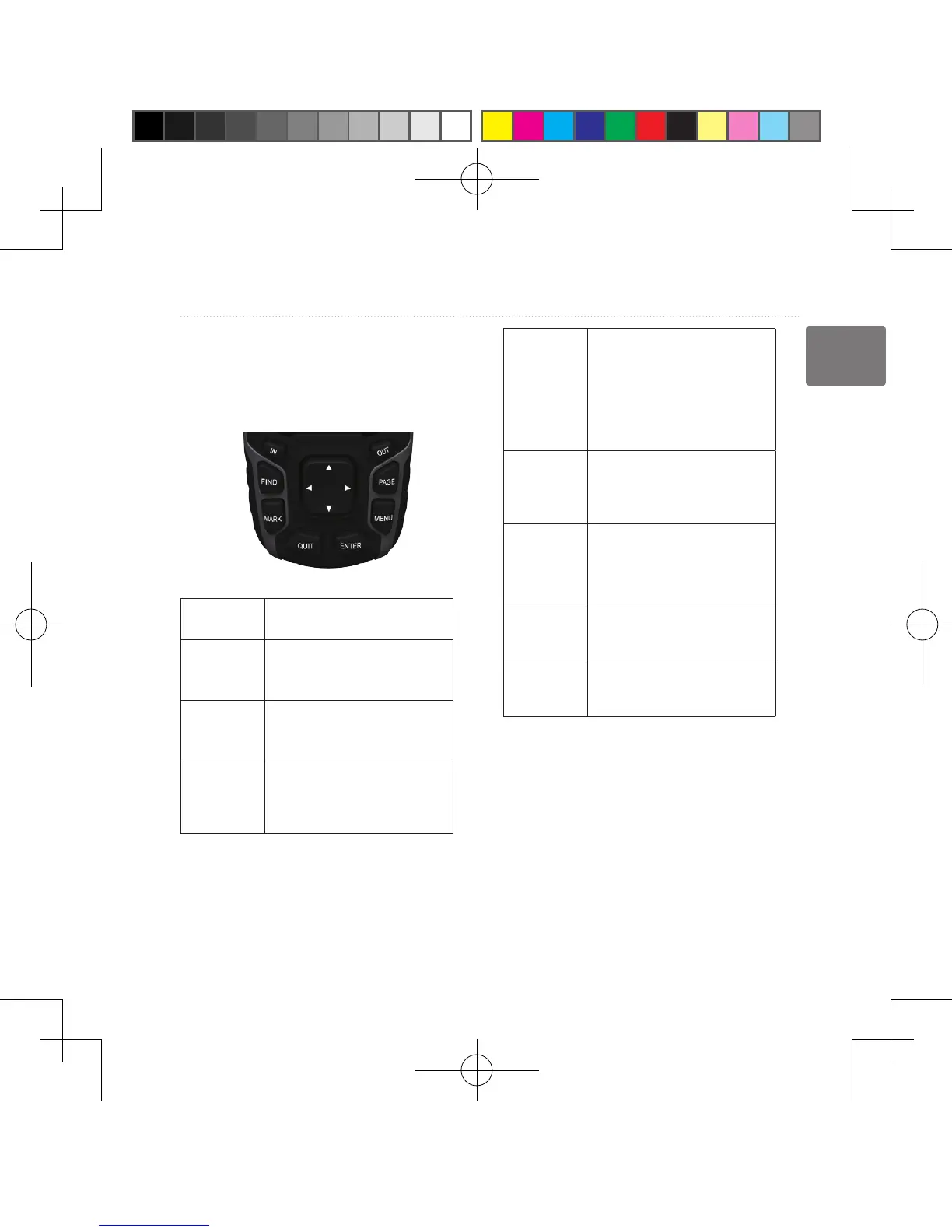
Buttons
FIND Press FIND to open the
search menu�
MARK Press MARK to save
your current location as a
waypoint�
QUIT Press QUIT to cancel
or return to the previous
menu or page�
ENTER Press ENTER to select
options and acknowledge
messages�
MENU Press MENU to open the
options menu for the page
that is currently open�
Press MENU twice to open
the main menu (from any
page)�
PAGE Press PAGE to scroll
through the main pages
(page 14)�
Rocker Press up, down, right, and
left to select menu options
and to move the map
cursor�
IN Press IN to zoom in on
the map�
OUT Press OUT to zoom out on
the map�
190-01215-25_0A.indd 7 2011/3/22 下午 03:12:40













 To Next Page