44 GPSMAP 62/62s Owner’s Manual
Appendix
EN
Disconnecting the USB Cable
1. Complete an action:
• For Windows computers, click
the eject icon in your
system tray.
• For Mac computers, drag the
volume icon to the Trash .
2. Disconnect the device from your
computer.
Attaching the Wrist Strap
1. Place the loop of the wrist strap
through the slot opening at the
bottom of the device.
2. Route the strap through the loop,
and pull it tight.
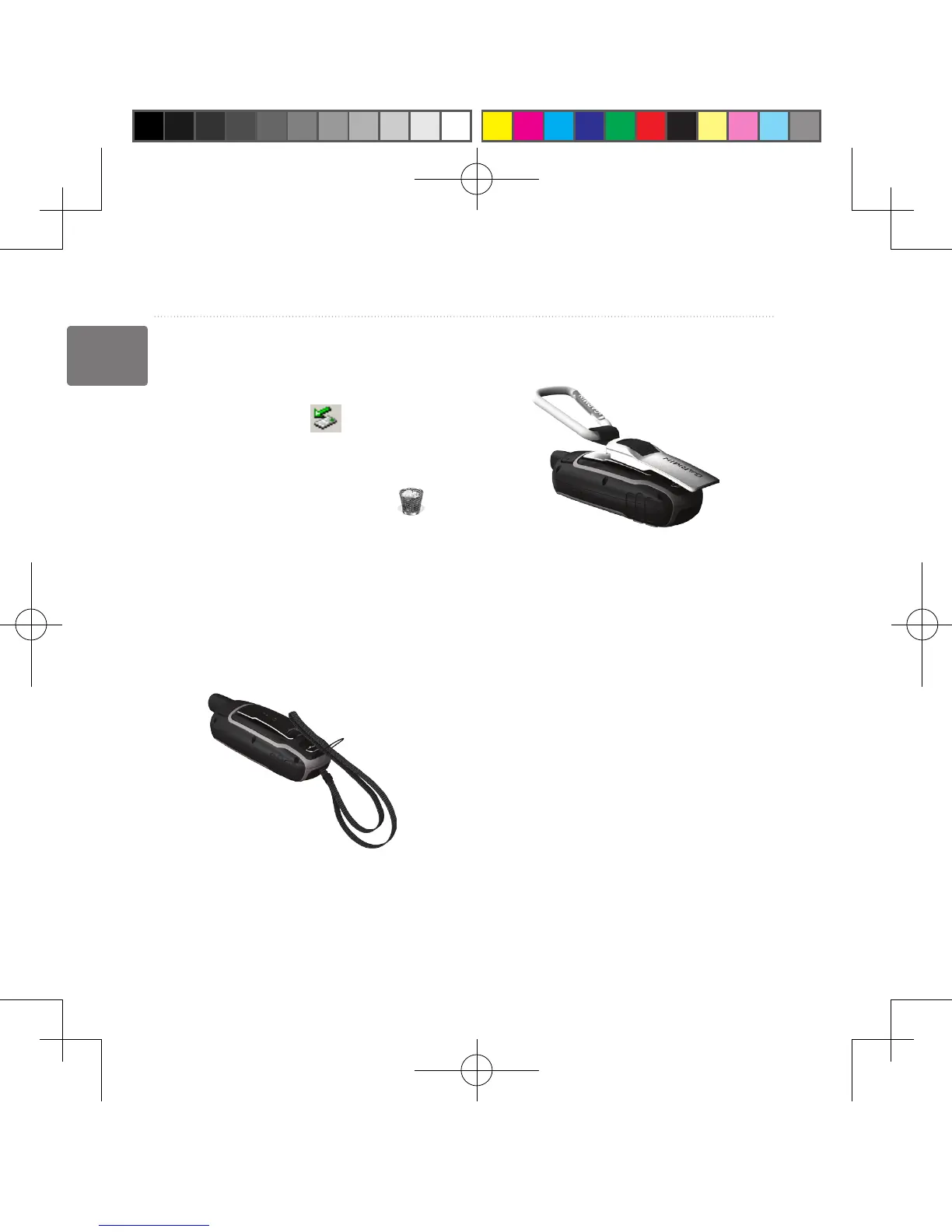
Attaching the Carabiner
Clip
1. Position the carabiner clip in the
slots on the mounting spine.
2. Slide the clip up until it locks in
place.
Removing the Carabiner Clip
Lift the bottom of the clip and gently
push down on the carabiner clip until
it releases.
190-01215-25_0A.indd 44 2011/3/22 下午 03:12:46













 To Next Page